展开 CSS 代码
/* 导入小赖字体 CSS */
@import url ('https://cdn.jsdmirror.com/gh/FrecklyComb1728/blog@main/public/fonts/xiaolai.css');

/* 定义小赖字体(备用) */
@font-face {
  font-family: 'xiaolai';
  src: url ('https://cdn.jsdmirror.com/gh/FrecklyComb1728/blog@main/public/fonts/XiaolaiMonoSC-Regular.woff2') format ('woff2'),
    url ('https://cdn.jsdmirror.com/gh/FrecklyComb1728/blog@main/public/fonts/XiaolaiMonoSC-Regular.woff') format ('woff');
  font-weight: normal;
  font-style: normal;
  font-display: swap;
}


/* 文字优化:使用小赖字体 */
.home_label,
#brand,
table,
#text,
#set label,
#footer a,
#search_button,
#readme_btn,
#reward_btn,
#Language,
#TimeZone,
#Currency,
#Theme,
#SuffixFilling,
#search_input,
#history-input,
#price_box,
#cost,
option,
body {
  font-family: 'xiaolai', sans-serif !important;
  font-weight: 400;
  /* 自然字重 */
  line-height: 1.6;
}
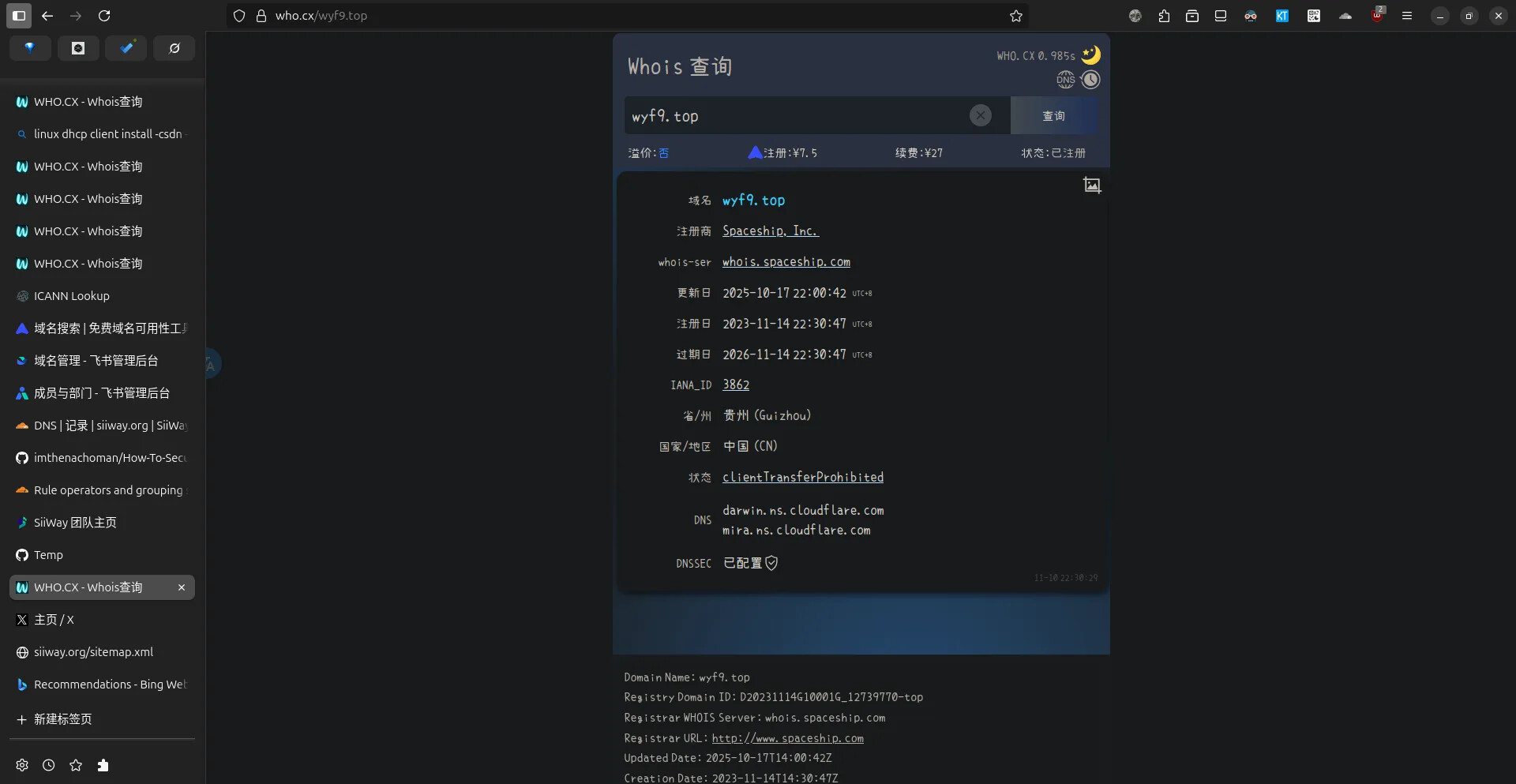
把上面的 CSS 粘贴到 who.cx 主页点击 自定义 CSS 后弹出的输入框中,点击  保存并点 X 关闭输入框即可
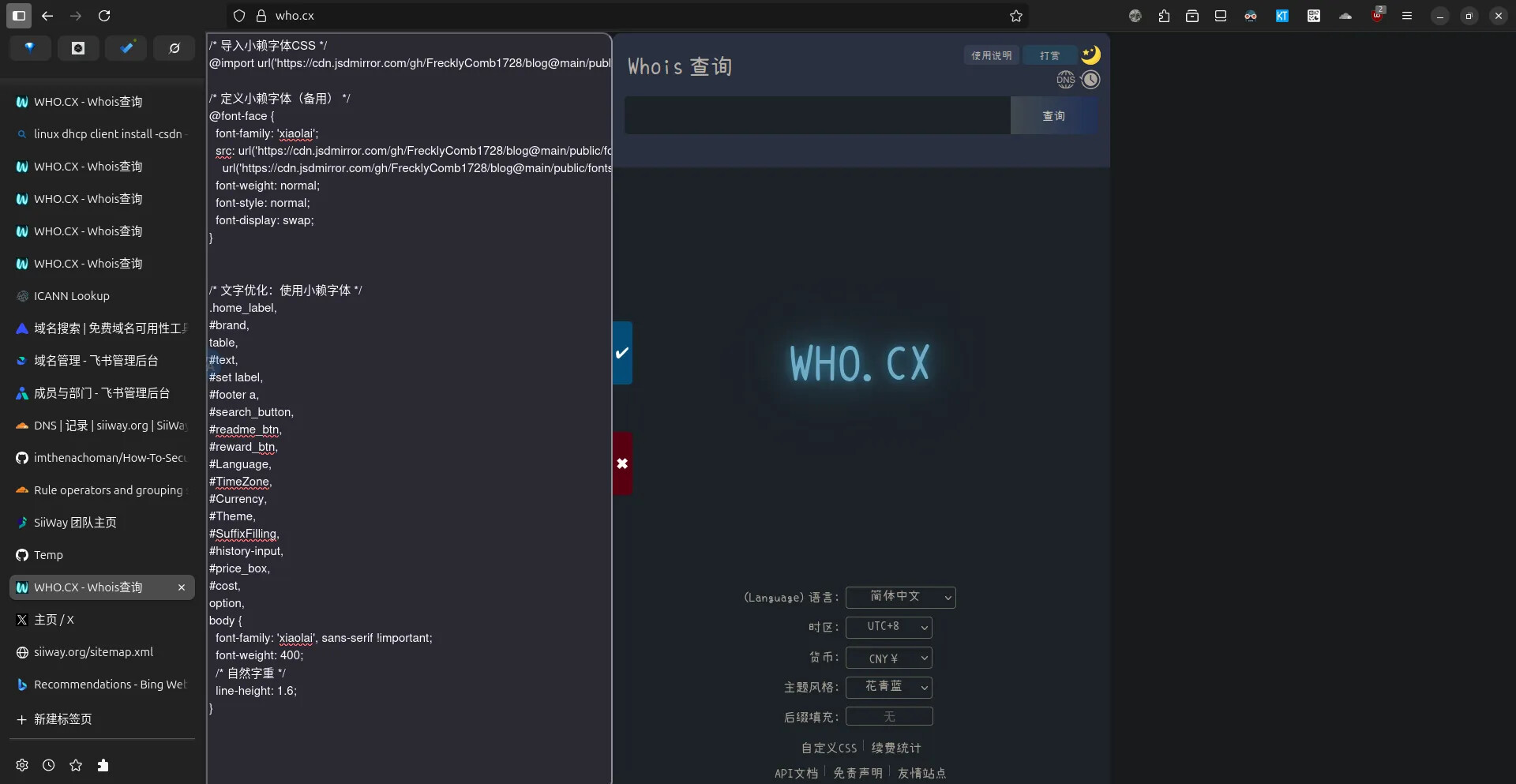
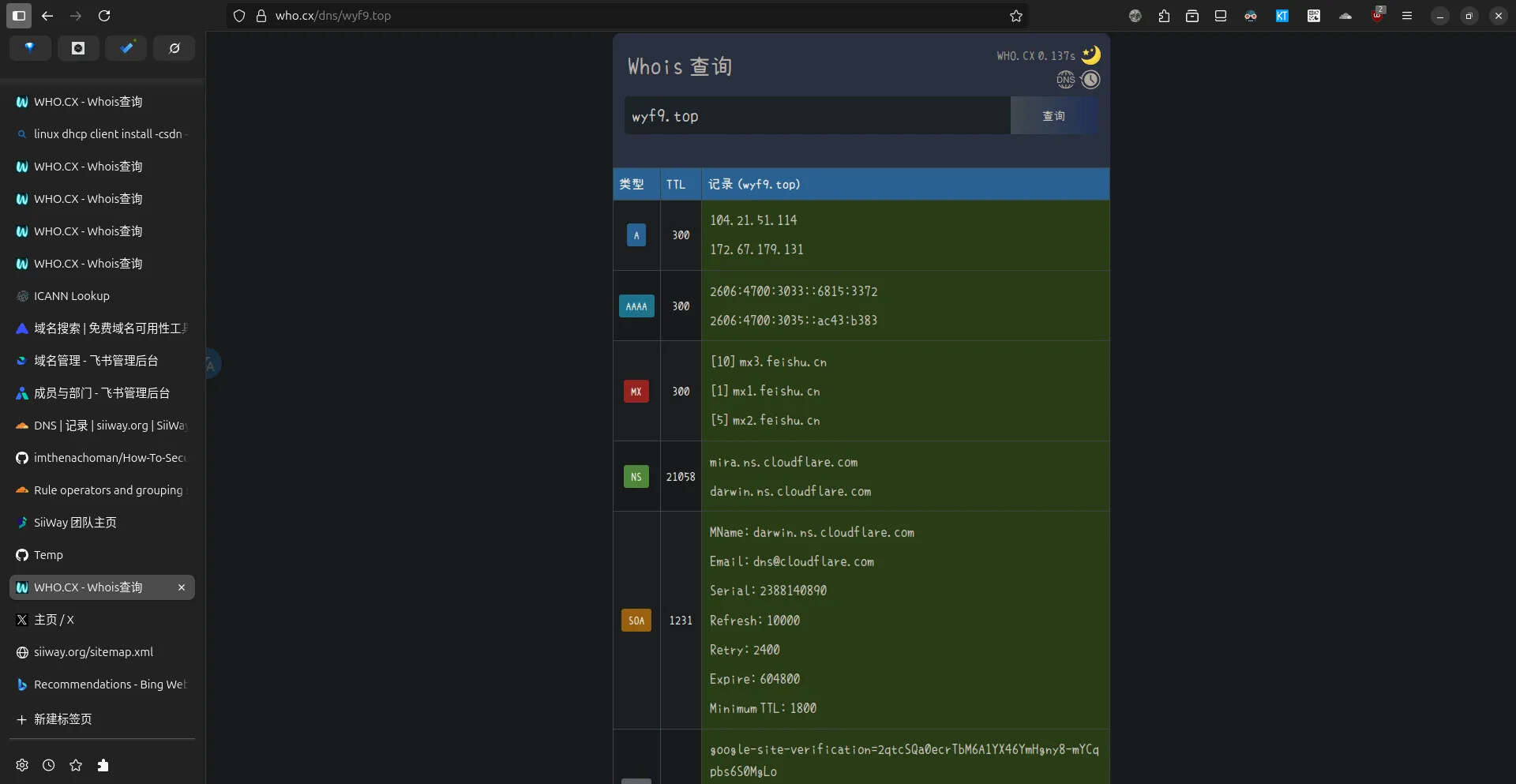
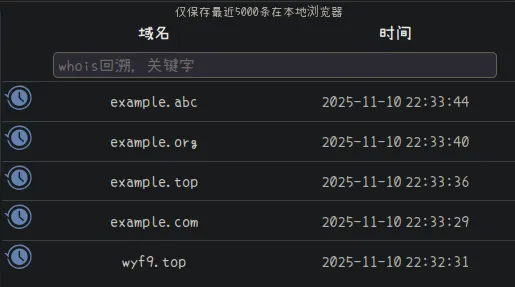
效果: