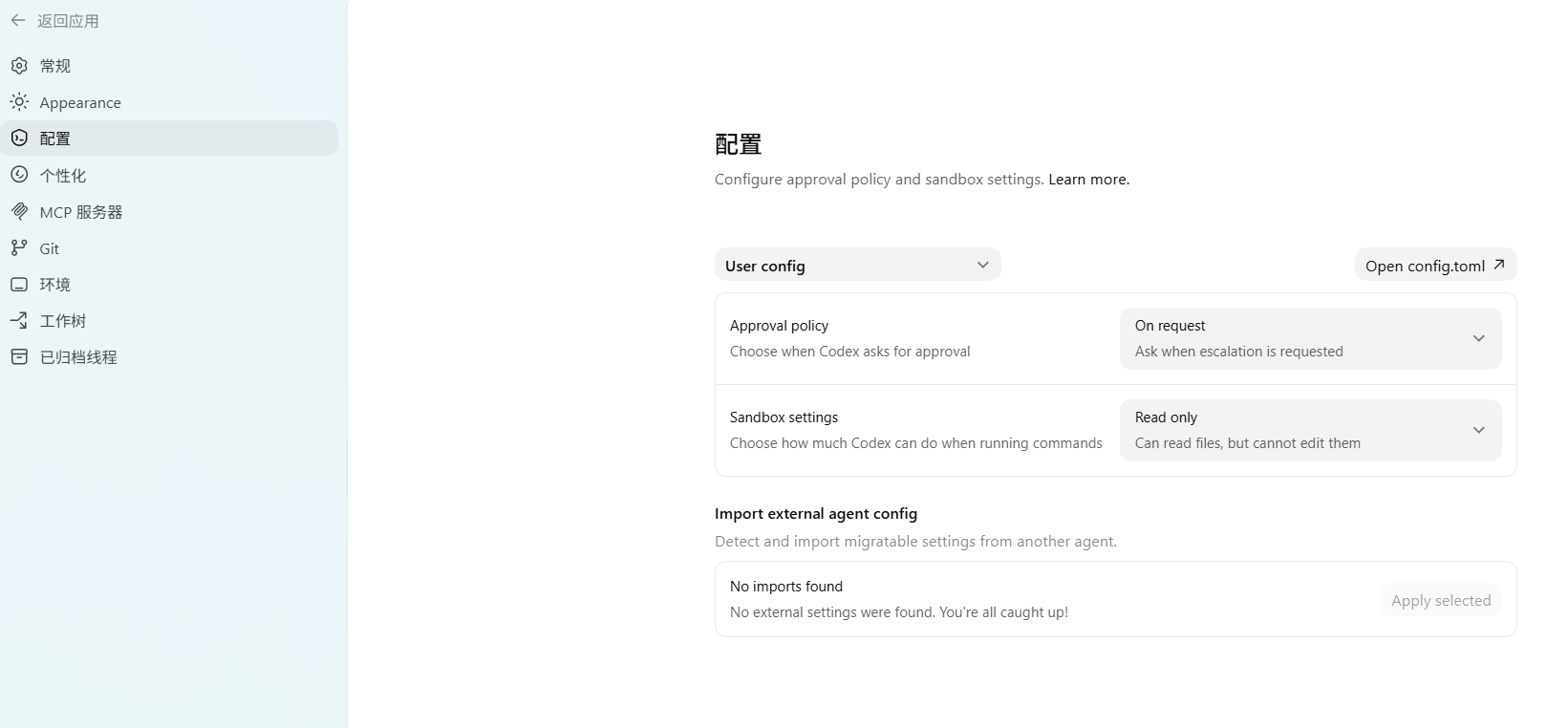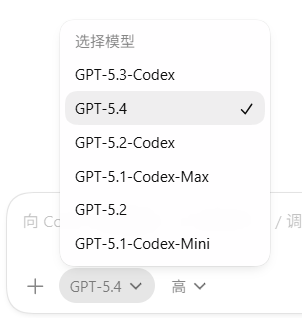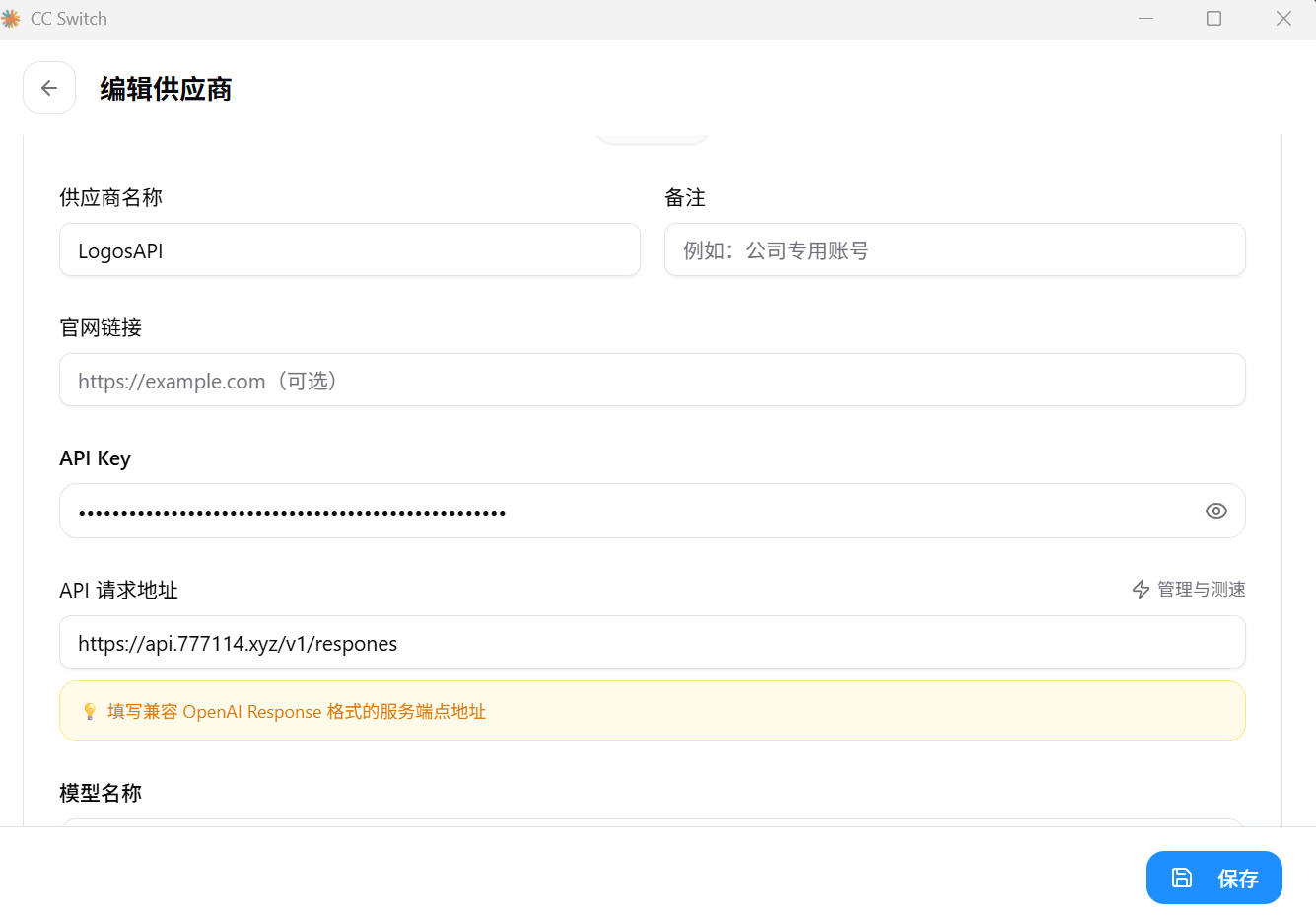
可是我在cc switch填完这些,再次运行codex桌面端还是那个界面,让我登录

我的了,佬,我看了眼上面的帖子,可能是我预设供应商用的不是自定义而是官方的了。感谢佬
model_provider = "cliproxyapi"
model = "gpt-5.4"

model_reasoning_effort = "high"
web_search = "live"
preferred_auth_method = "apikey" //使用API的方式记得配置这个,就不用登录
disable_response_storage = true

[model_providers.cliproxyapi]
name = "cliproxyapi"
base_url = "https://第三方中转的url/v1" //第三方的地址在这里配置,通常要/v1
wire_api = "responses"
requires_openai_auth = true
好的好的感谢佬
欸,我这边不是通过 preferred_auth_method = "apikey"设置的,而是requires_openai_auth = false调的 
好吧,测试了下都行 
谢谢佬的解答