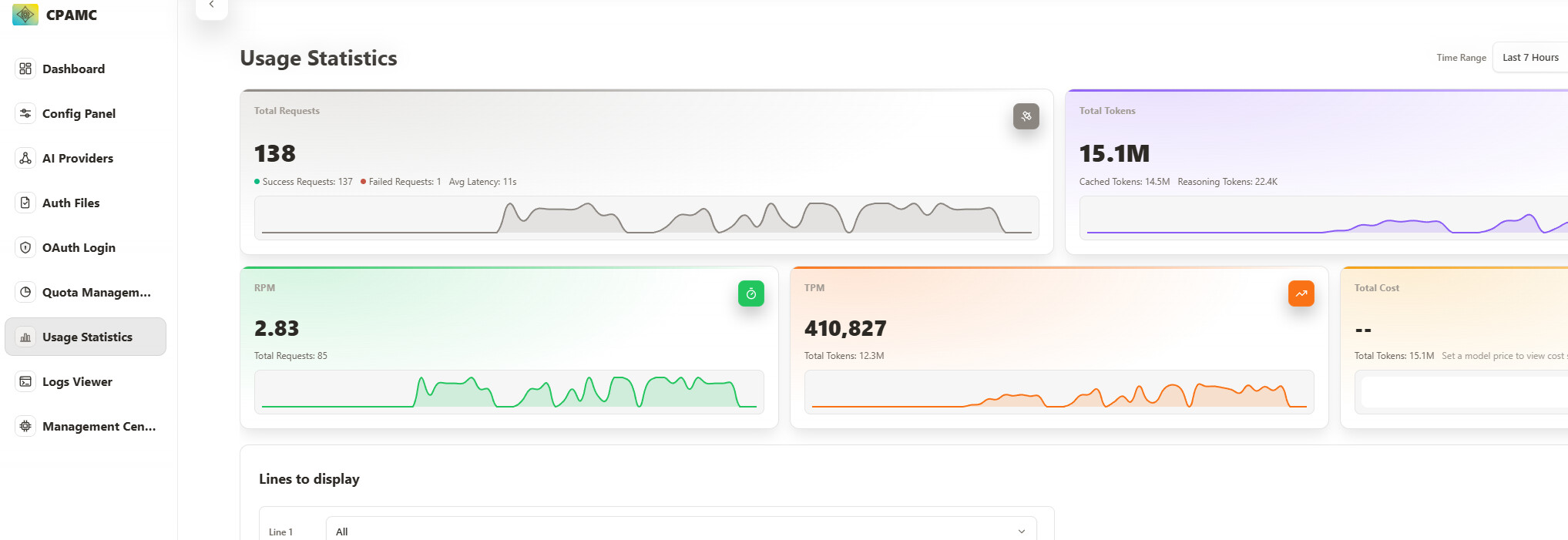
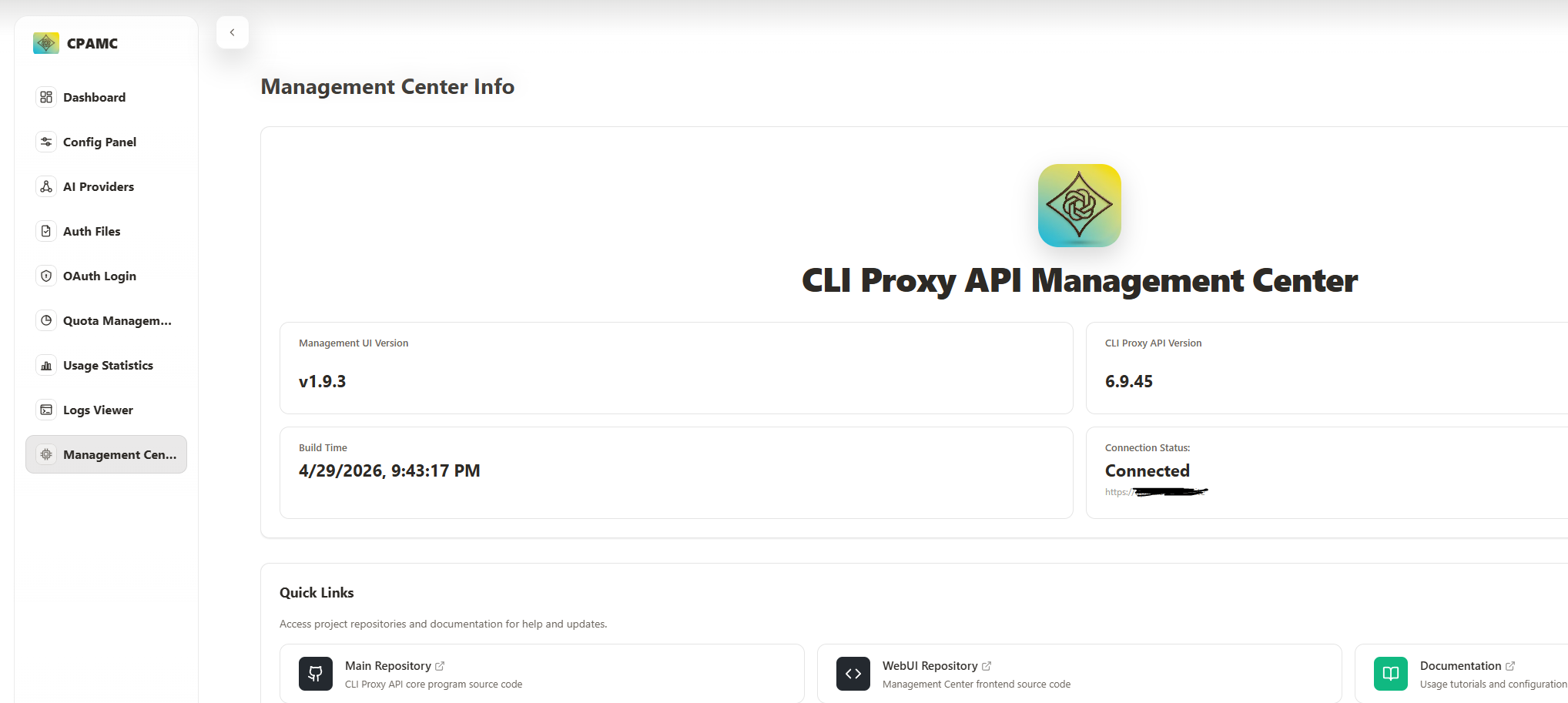
我看有好几个帖子都在问这个问题,直接给个最简单的现成的解决方案:
1.回退CPA到 6.10.0之前任意版本,以6.9.45为例:
wget https://github.com/router-for-me/CLIProxyAPI/releases/download/v6.9.45/CLIProxyAPI_6.9.45_linux_amd64.tar.gz

tar -zxvf CLIProxyAPI_6.9.45_linux_amd64.tar.gz cli-proxy-api
2.回退Management.html版本:
disable-auto-update-panel这个即使配置完也似乎没用,所以直接替换源:
forked from [router-for-me/Cli-Proxy-API-Management-Center]

remote management里面的Panel Repository修改成:
https://github.com/Jutaosay/Cli-Proxy-API-Management-Center
然后把static里面的management.html删掉。刷新下重新登陆即可