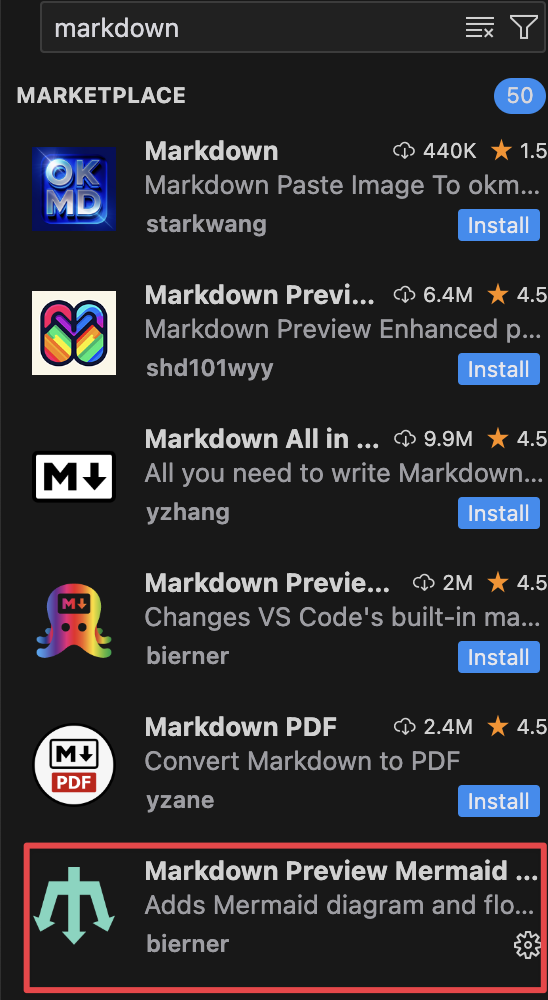
1.Markdown
bierner.markdown-mermaid
支持 mermaid
不会占用文件,方便cursor聊天
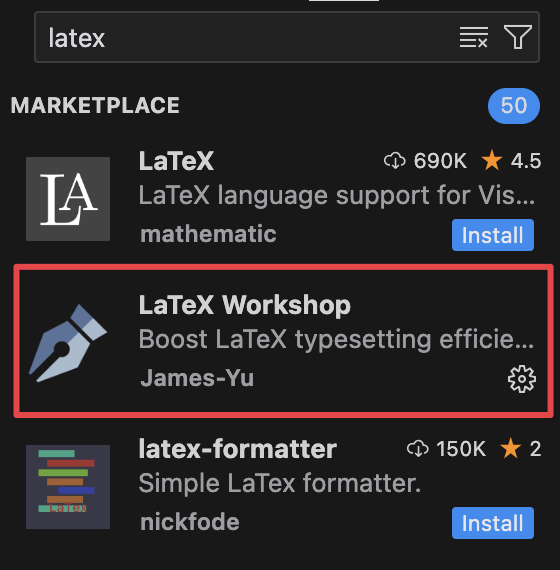
2.Latex PDF
James-Yu.latex-workshop
不会占用PDF文件,方便cursor聊天
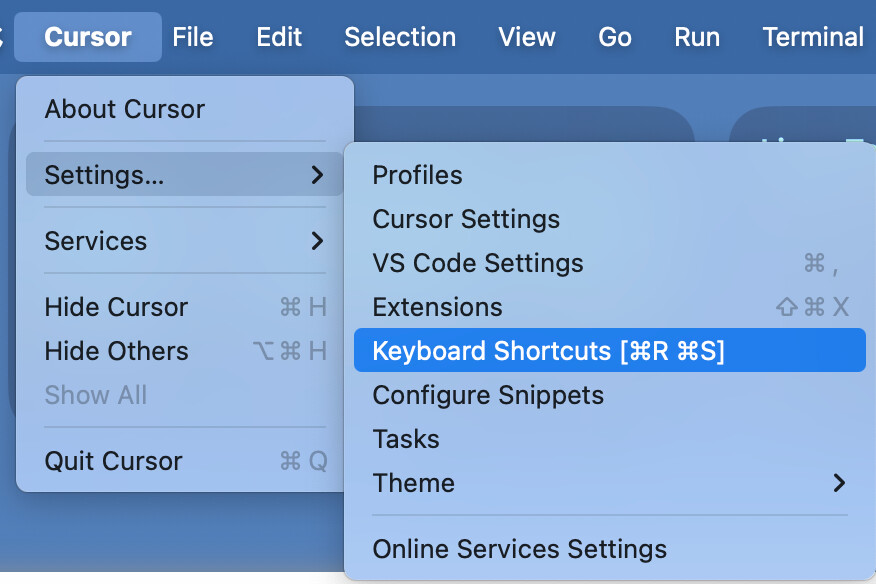
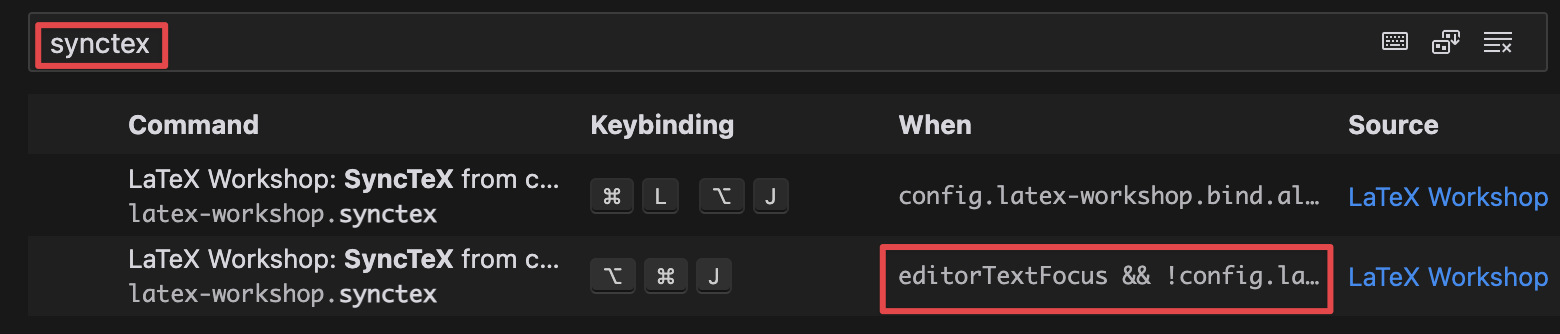
mac安装教程
    "latex-workshop.latex.recipes": [
    {
        "name": "xelatex",
        "tools": [
        "xelatex"
        ]
    },
    {
        "name": "xe*2",
        "tools": [
        "xelatex",
        "xelatex"
        ]
    },
    {
        "name": "xelatex -> bibtex -> xelatex*2",
        "tools": [
        "xelatex",
        "bibtex",
        "xelatex",
        "xelatex"
        ]
    }
    ],
    "latex-workshop.latex.tools": [
    {
        "name": "latexmk",
        "command": "latexmk",
        "args": [
        "-synctex=1",
        "-interaction=nonstopmode",
        "-file-line-error",
        "-pdf",
        "%DOC%"
        ]
    },
    {
        "name": "xelatex",
        "command": "xelatex",
        "args": [
        "-synctex=1",
        "-interaction=nonstopmode",
        "-file-line-error",
        "%DOC%"
        ]
    },
    {
        "name": "bibtex",
        "command": "bibtex",
        "args": [
        "%DOCFILE%"
        ]
    }
    ],
    "latex-workshop.view.pdf.viewer": "tab",
    "latex-workshop.synctex.afterBuild.enabled": true,
    "latex-workshop.latex.autoBuild.run": "onSave",
3.Office
cweijan.vscode-office
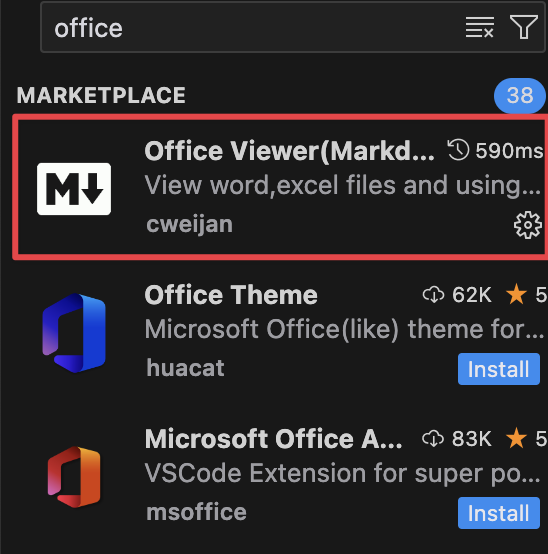
不推荐用来编辑 .md .pdf ,会占用文件,不方便cursor聊天。
参考官方README写的配置,使VScode用前两个插件打开.md .pdf ,供参考
"workbench.editorAssociations": {
    "*.md": "default",
    "*.markdown": "default",
    "*.pdf":"latex-workshop-pdf-hook"
}
TODO: