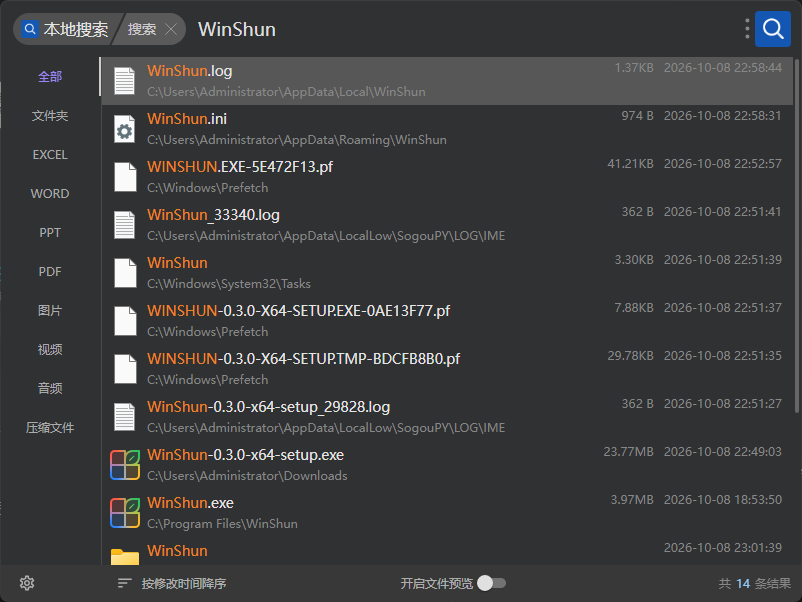
索引速度很快,但是在1080P显示器上界面字体糊了,绘制的字体总会有问题
物理内存小于 16gb 吗?我做了一个限制,小于 16gb 的,不开启显卡加速,你可以看看设置页面中的“高级->界面绘制方式”是选择的“省内存”还是“显卡加速”。
1 个赞
是否可以集成到 utools 里面?
1 个赞
Everything 只搜文件,Win顺 还能:
搜软件和系统设置,打“网卡”直接出网络连接
拼音开箱就能用(Everything 正式版要装插件,1.5 测试版自带拼音,但默认关着)
只搜文件名的话,Everything 确实够用了
还有一个就是我这边更新快吧,hhh
我也是 ctrl+g 的重度使用者,期待佬添加这个功能
1 个赞
我不太清楚你们具体的需求,我以前用过这个 utools, 如果有具体的需求我可以看看怎么弄。
虽然没用,但是先去点一个Star。
给大佬点个star
索引建立的速度好慢, 21:15启动的, 现在还在建索引

可能是我有机械盘的原因?
看日志有
2026-10-08T21:14:30.900 warning: WinShun: cannot read the MFT of D:: unsupported record or cluster size
2026-10-08T21:14:30.901 warning: WinShun: cannot read the MFT of E:: unsupported record or cluster size
2026-10-08T21:15:05.806 warning: WinShun: cannot read the MFT of G:: unsupported record or cluster size
2026-10-08T21:15:05.807 warning: WinShun: cannot read the MFT of H:: unsupported record or cluster size
2026-10-08T21:15:05.808 warning: WinShun: cannot read the MFT of I:: unsupported record or cluster size
2026-10-08T21:20:26.212 warning: Retrying to obtain clipboard.
everything在用listary也在用,现在关了listary的自动启动切换成你这个感受一下,加油,给你点亮star了
说实话我只希望这类搜索软件能够实现listary最核心的ctrl+g功能(

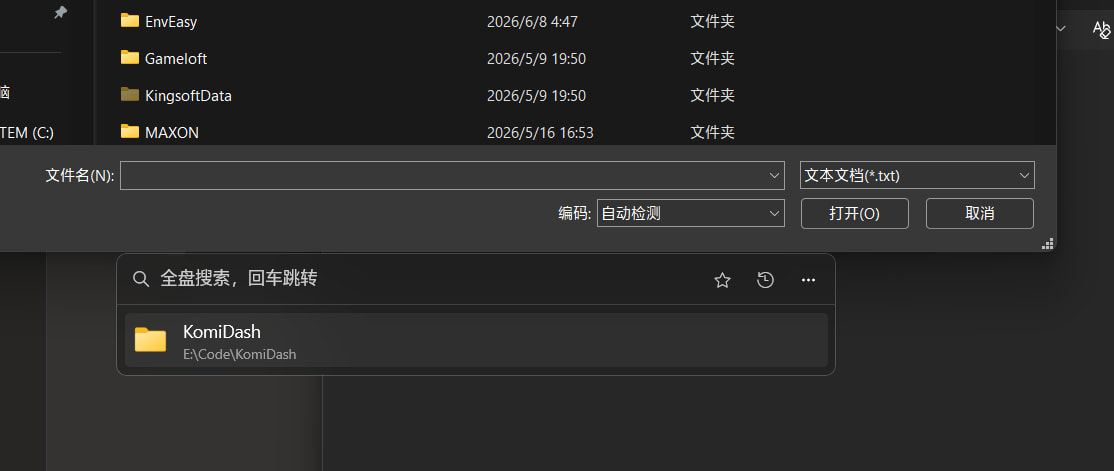
点了个star,等等下载试试看