PS C:\Users\Administrator.claude\ccline> .\ccline.exe --version
CCometixLine (ccline) 0.1.0
有的…奇怪了
PS C:\Users\Administrator.claude\ccline> .\ccline.exe --version
CCometixLine (ccline) 0.1.0
有的…奇怪了
还真没有~ 该来的都会来的
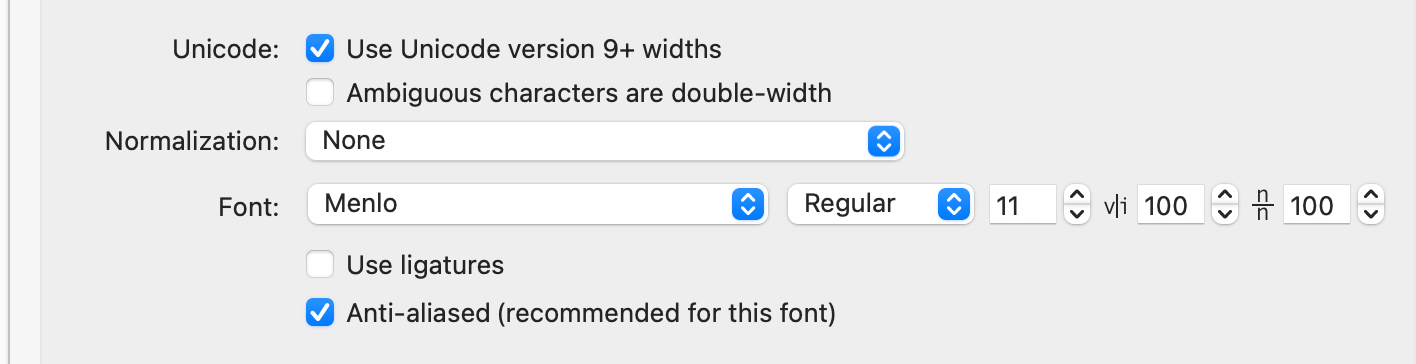
对的,你这里使用的是不包含NF的字体
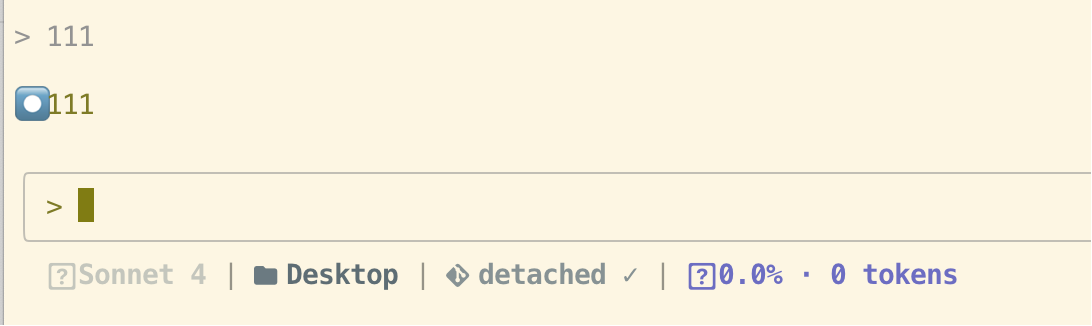
然后你现在能显示的图标实际上是 iTerm2 辅助提供的
你可以把主字体换掉
要么就添一个fallback字体
brew 里有
如果想要继续用meslo的话
那么我只能猜测你 CC 版本低于1.0.71了
Windows环境下运行ccline显示
ccline: The term 'ccline' is not recognized as a name of a cmdlet, function, script file, or executable program.
Check the spelling of the name, or if a path was included, verify that the path is correct and try again.

Suggestion [3,General]: The command "ccline" was not found, but does exist in the current location. PowerShell does not load commands from the current location by default. If you trust this command, instead type: ".\ccline". See "get-help about_Command_Precedence" for more details.
在目录下吗
找不到 ccline 呢
太棒了,可以直观查看token使用量了
厉害了大佬
已安装 爽了
这个大圆点 我都看(被迫)习惯了 
可太难受了哈哈哈哈哈
为这事我升了个级~
哈哈哈 就很蠢的感觉 这个大圆点
果然是的
他不光是 被 Apple Emoji Font 顶替显示的问题
主要是 还没有空格间距 粘在了后续文字上面 巨难受
一个小玩具 能有这么多方面的问题
还是我太乐观了 ~ 
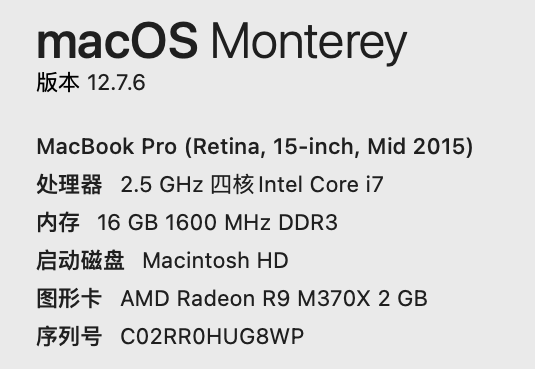
是的,而且最最最难受的是,我的电脑太老了,还没办法升级了