我关关关
iptables -P INPUT ACCEPT
iptables -P FORWARD ACCEPT
iptables -P OUTPUT ACCEPT
iptables -F
apt-get purge netfilter-persistent
reboot
关于网络

进入实例
点击你的实例

进入网络
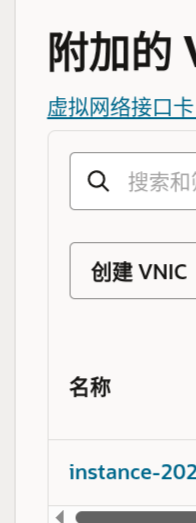
进入附加的VNIC
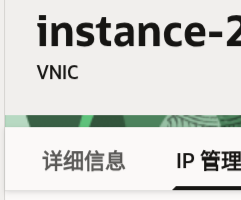
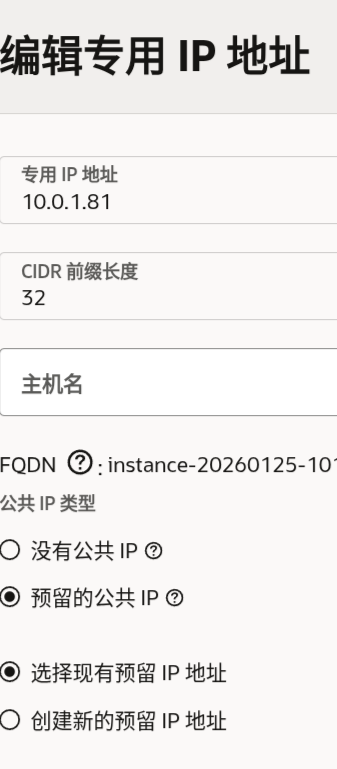
进入IP管理
在下面可以通过编辑,更换ip,不幸的是?好像给了我好几个被墙的说
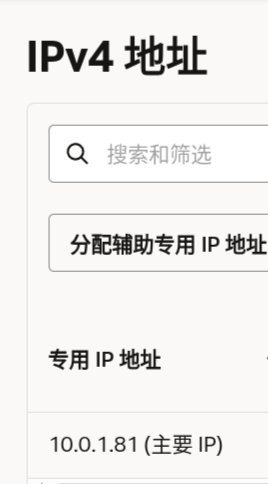
进入安全
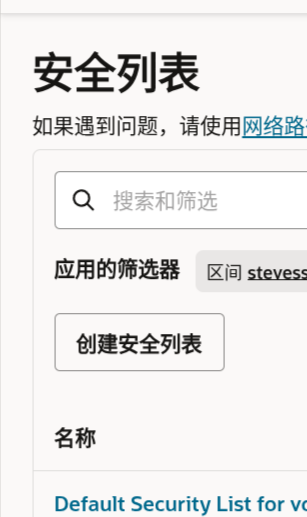
进入对应的安全列表
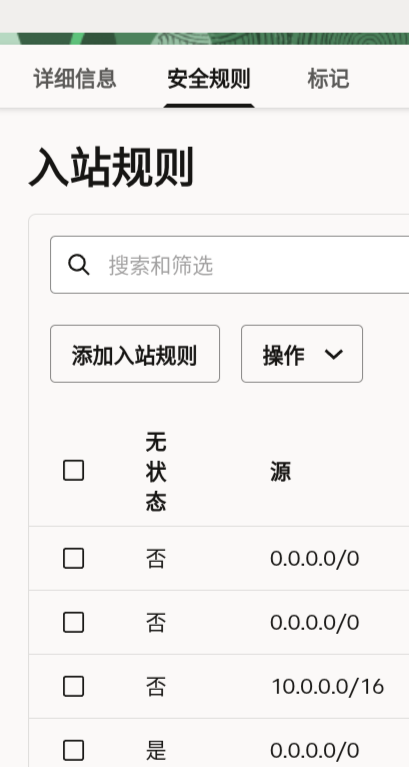
按照需求修改安全规则

我删删删
snap remove oracle-cloud-agent
snap remove oracle-cloud-agent-updater
systemctl stop rpcbind
systemctl stop rpcbind.socket
systemctl disable rpcbind
systemctl disable rpcbind.socket
加点swap
请参考
不  为什么是老版本啊,没有办法直接抄参考
fallocate -l 8G /swapfile
chmod 600 /swapfile
mkswap /swapfile
swapon /swapfile
echo '/swapfile none swap sw 0 0' >> /etc/fstab
我是虚拟环境麻瓜
curl -fsSL https://get.pnpm.io/install.sh | sh -
curl -LsSf https://astral.sh/uv/install.sh | sh
curl -fsSL https://fnm.vercel.app/install | bash
curl -fsSL https://bun.sh/install | bash
curl -fsSL https://deno.land/install.sh | sh
vibe coding失去人性了
curl -fsSL https://claude.ai/install.sh | bash
curl -fsSL https://opencode.ai/install | bash
# 为什么是 pnpm ?我也不知道
pnpm install -g @github/copilot vite @openai/codex@latest @iflow-ai/iflow-cli@latest @anthropic-ai/claude-code @qwen-code/qwen-code snow-ai @google/gemini-cli @musistudio/claude-code-router @sourcegraph/amp codebuff
关于重装
要重装的话?你可以直接替换引导卷,脚本的话自己找去
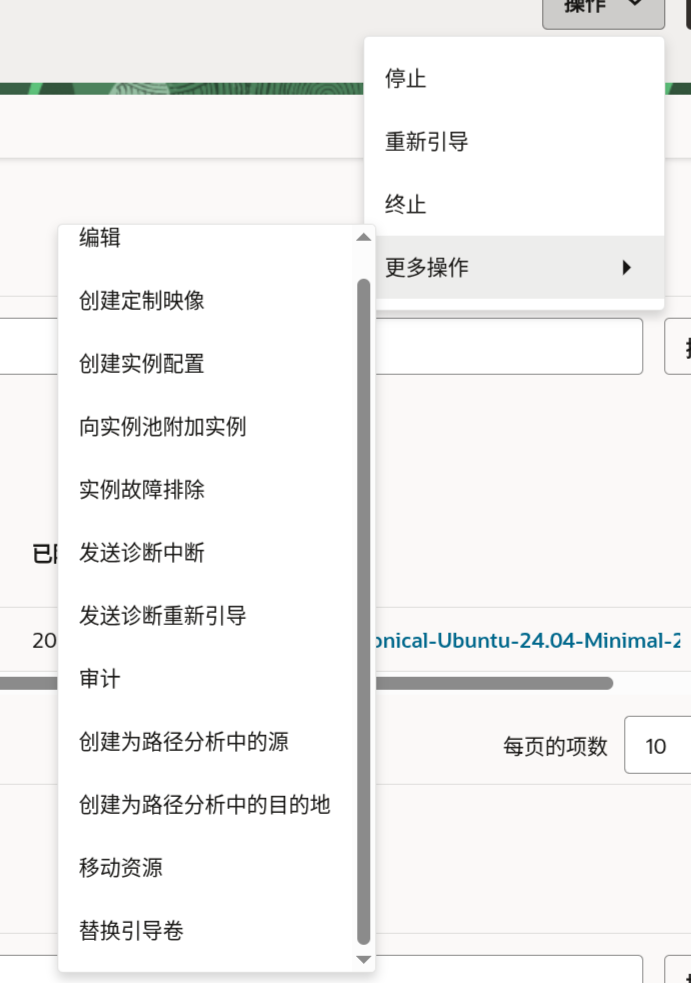
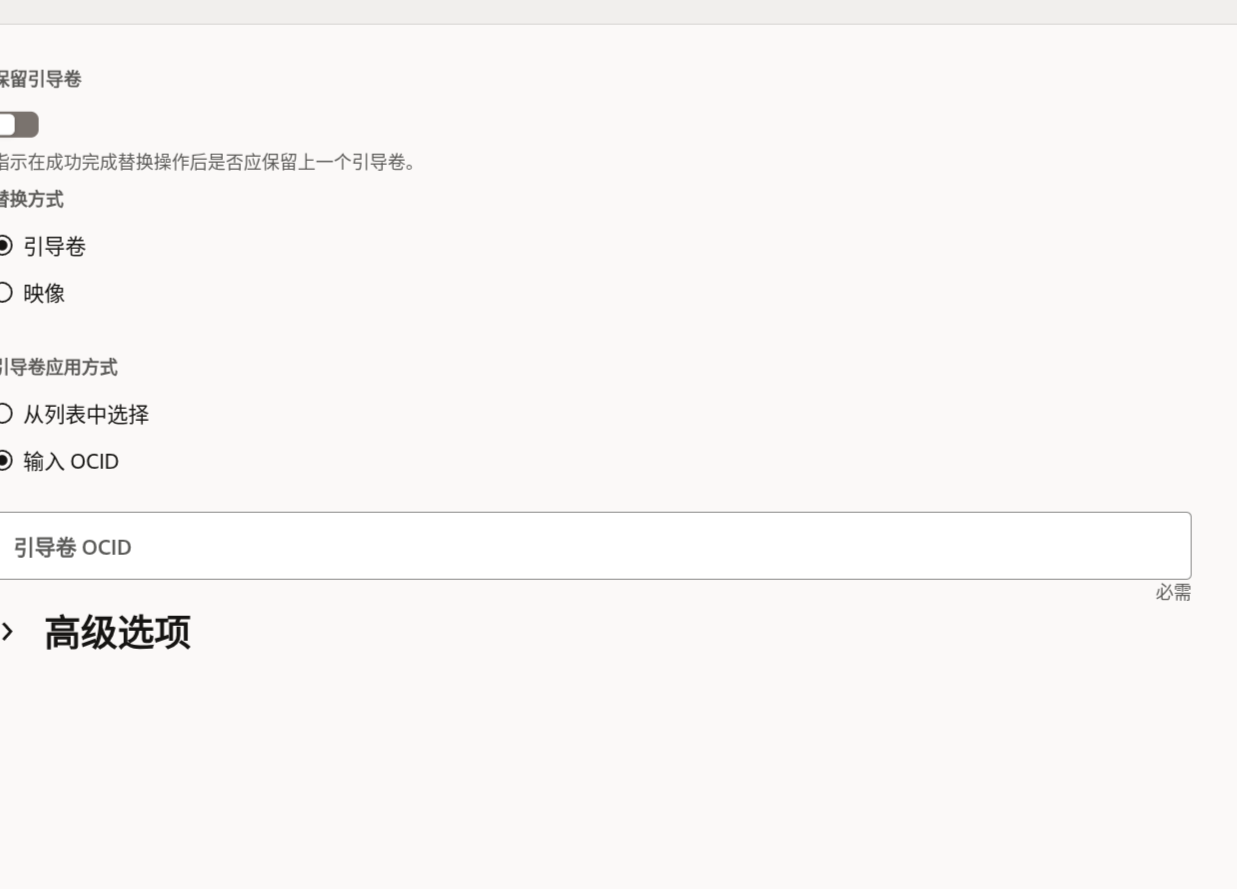
OCID 去
这里找对应镜像的自己区域的去……






 的强太多了
的强太多了