二、部署步骤
2.1 环境准备
方案 A:使用 llama.cpp(推荐)
# 1. 安装 llama.cpp (macOS)
brew install llama.cpp

# 2. 下载模型
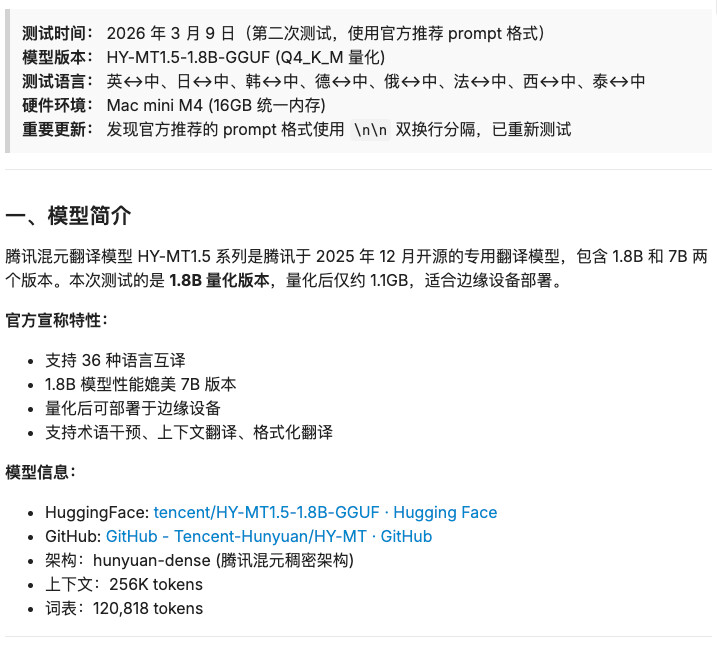
# 从 HuggingFace 下载 Q4_K_M 量化版本 (约 1.1GB)
# 链接:https://huggingface.co/tencent/HY-MT1.5-1.8B-GGUF

# 3. 启动服务(官方推荐命令)
llama-cli -hf tencent/HY-MT1.5-1.8B-GGUF:Q8_0 \
  -p "Translate the following segment into Chinese, without additional explanation.\n\nIt's on the house." \
  -n 4096 --temp 0.7 --top-k 20 --top-p 0.6 --repeat-penalty 1.05 --no-warmup
方案 B:使用 Ollama
# 1. 创建 Modelfile(使用官方 template)
cat > Modelfile << EOF
FROM hf.co/tencent/HY-MT1.5-1.8B-GGUF:Q8_0
TEMPLATE """<|hy_begin▁of▁sentence|>{{ if .System }}{{ .System }}<|hy_place▁holder▁no▁3|>{{ end }}{{ if .Prompt }}<|hy_User|>{{ .Prompt }}{{ end }}<|hy_Assistant|>"""
EOF

# 2. 创建模型
ollama create hy-mt1.5-1.8b -f Modelfile

# 3. 运行
ollama run hy-mt1.5-1.8b
2.2 推荐参数配置
根据官方技术报告,推荐使用以下参数:
{
  "temperature": 0.7,
  "top_k": 20,
  "top_p": 0.6,
  "repeat_penalty": 1.05
}
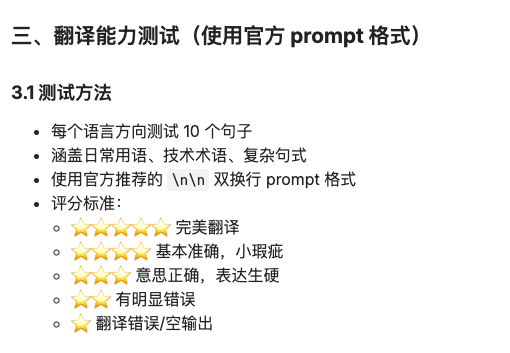
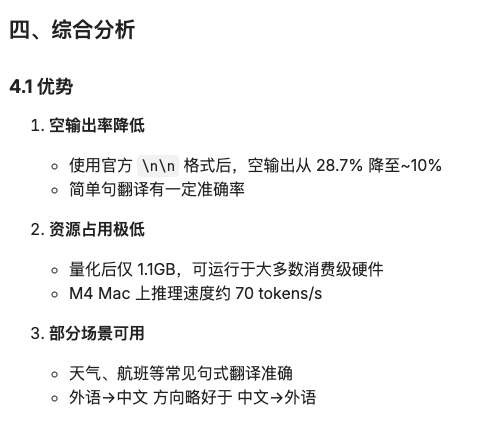
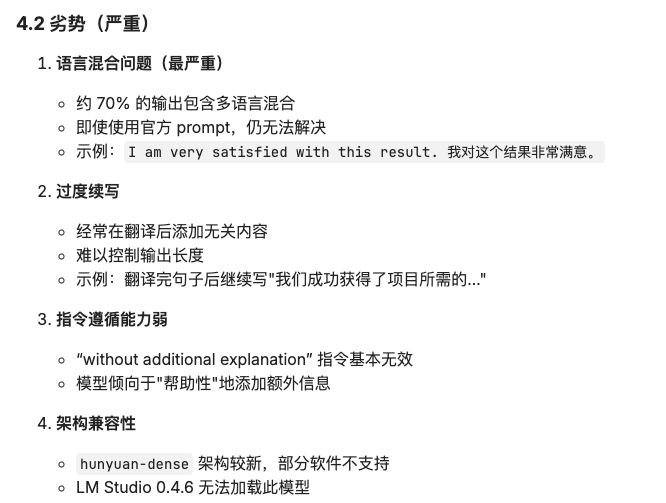
 重要发现: 官方示例使用
 \n\n (双换行) 分隔指令和文本,而不是冒号或空格。
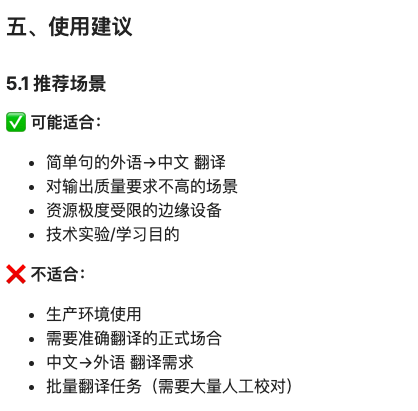
5.2 参数调优建议
# 官方推荐参数
temperature=0.7, top_k=20, top_p=0.6, repeat_penalty=1.05

# 可尝试更保守的参数减少胡言乱语
temperature=0.5, top_k=15, top_p=0.5, repeat_penalty=1.1

# 必须使用双换行格式
"Translate the following segment into {target_language}, without additional explanation.\n\n{source_text}"
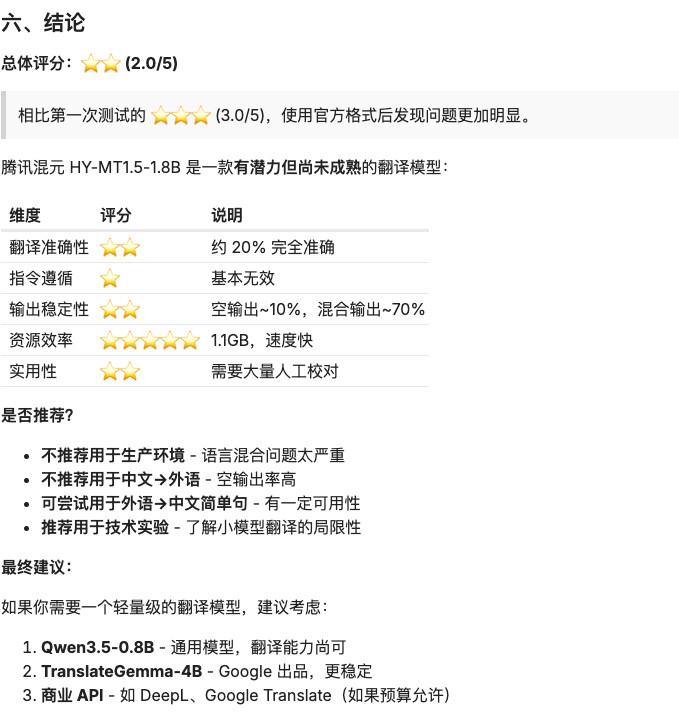
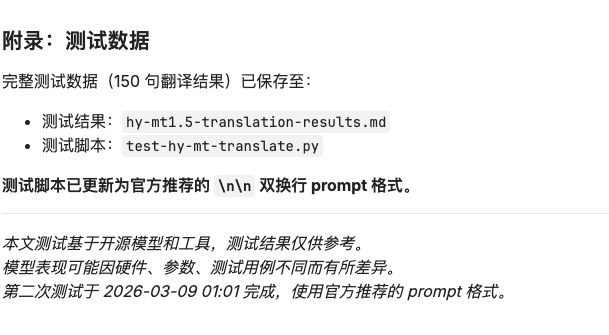

脚本+测试结果.zip (31.1 KB)
有的人好奇我怎么测试速度快,我用的大龙虾+qwen3.5-plus
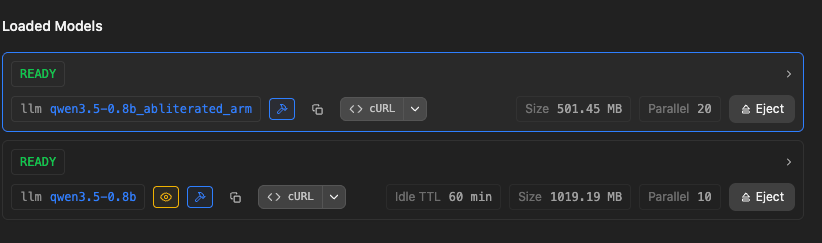
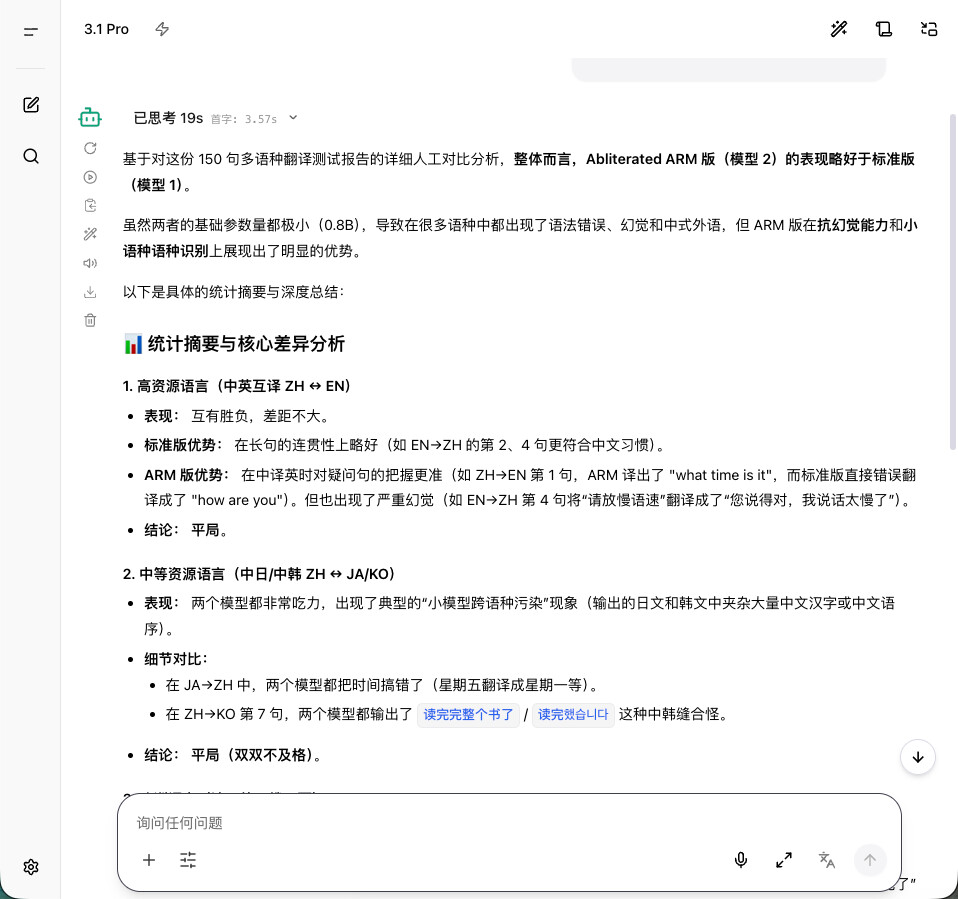
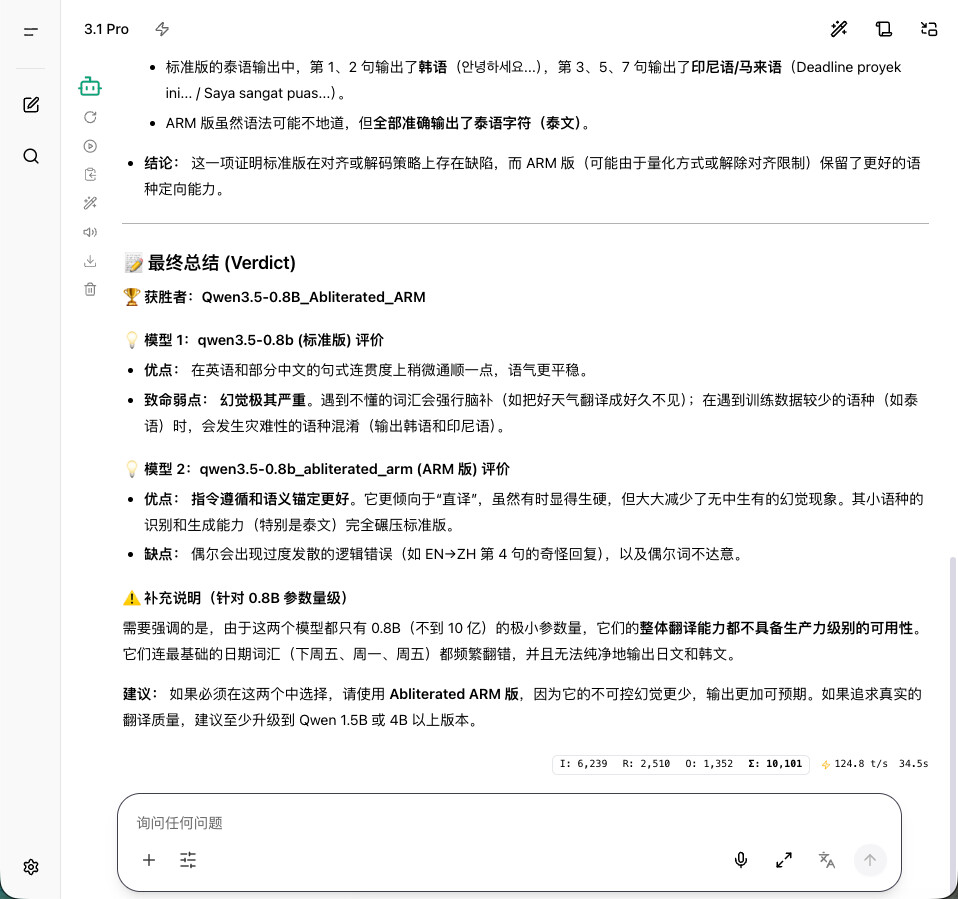

 ,毕竟我才8G显存,模型大小也得考虑