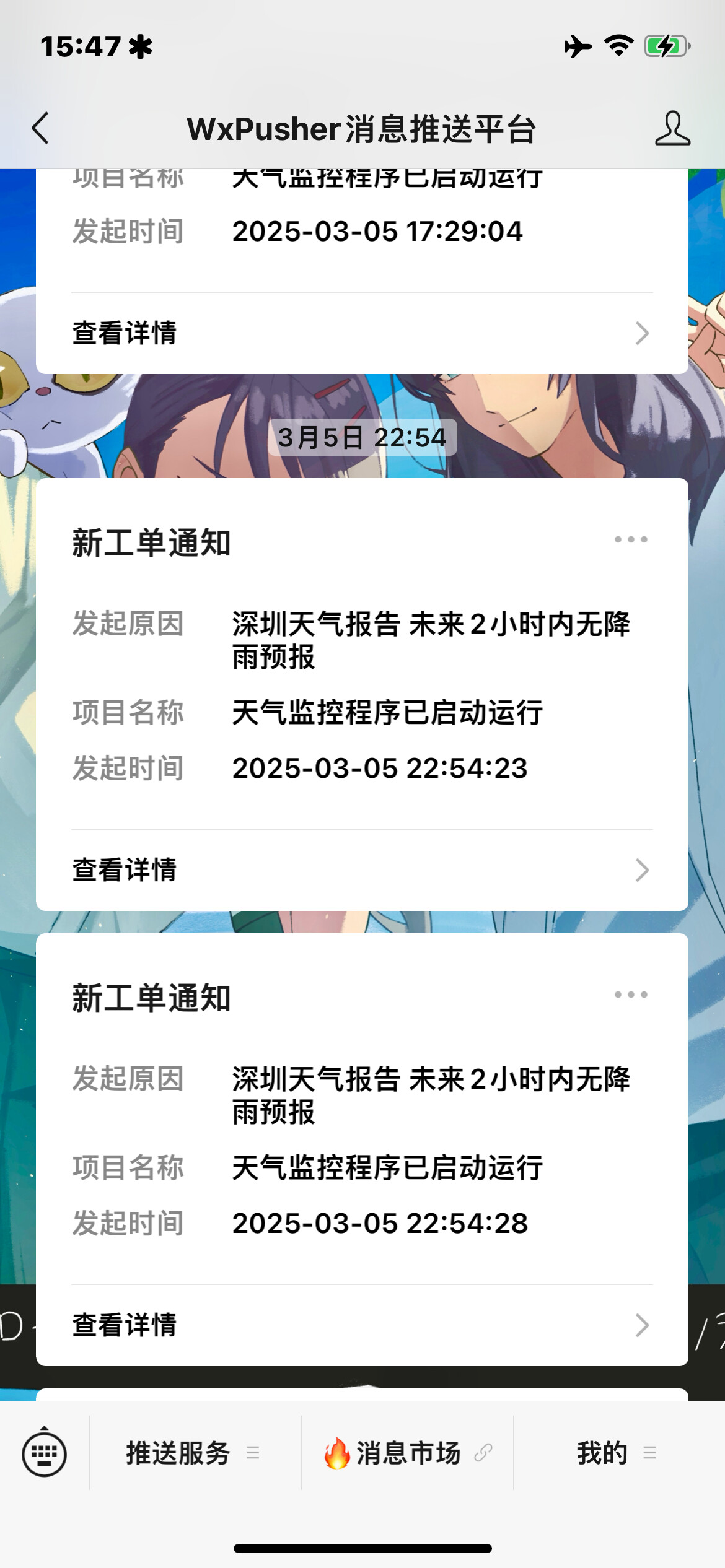
推送的信息格式可以完全自定义
// 配置部分
const CONFIG = {
    WXPUSHER_APP_TOKEN: '',
    WXPUSHER_UID: '',
    QUOTE_API_KEY: '',
    DEBUG: true,

    // 每日计划 (UTC+8时间,24小时制)
    DAILY_SCHEDULES: [
        {
            id: 1,
            time: '09:00',
            summary: '🌅 早安!新的一天开始啦!',
            template: `⏰ 现在时间:{time}\n🎯 今日重点:保持专注\n\n{quote}`
        },
        {
            id: 2,
            time: '12:00',
            summary: '🍱 午休时间到!该起身活动啦!',
            template: `⏰ 现在时间:{time}\n\n{quote}`
        },
        {
            id: 3,
            time: '18:00',
            summary: '🌇 傍晚了,记得总结今日工作',
            template: `⏰ 现在时间:{time}\n📝 今日总结时间\n\n{quote}`
        }
    ],
    // 一次性提醒
    ONE_TIME_SCHEDULES: [
        {
           id: 1001,
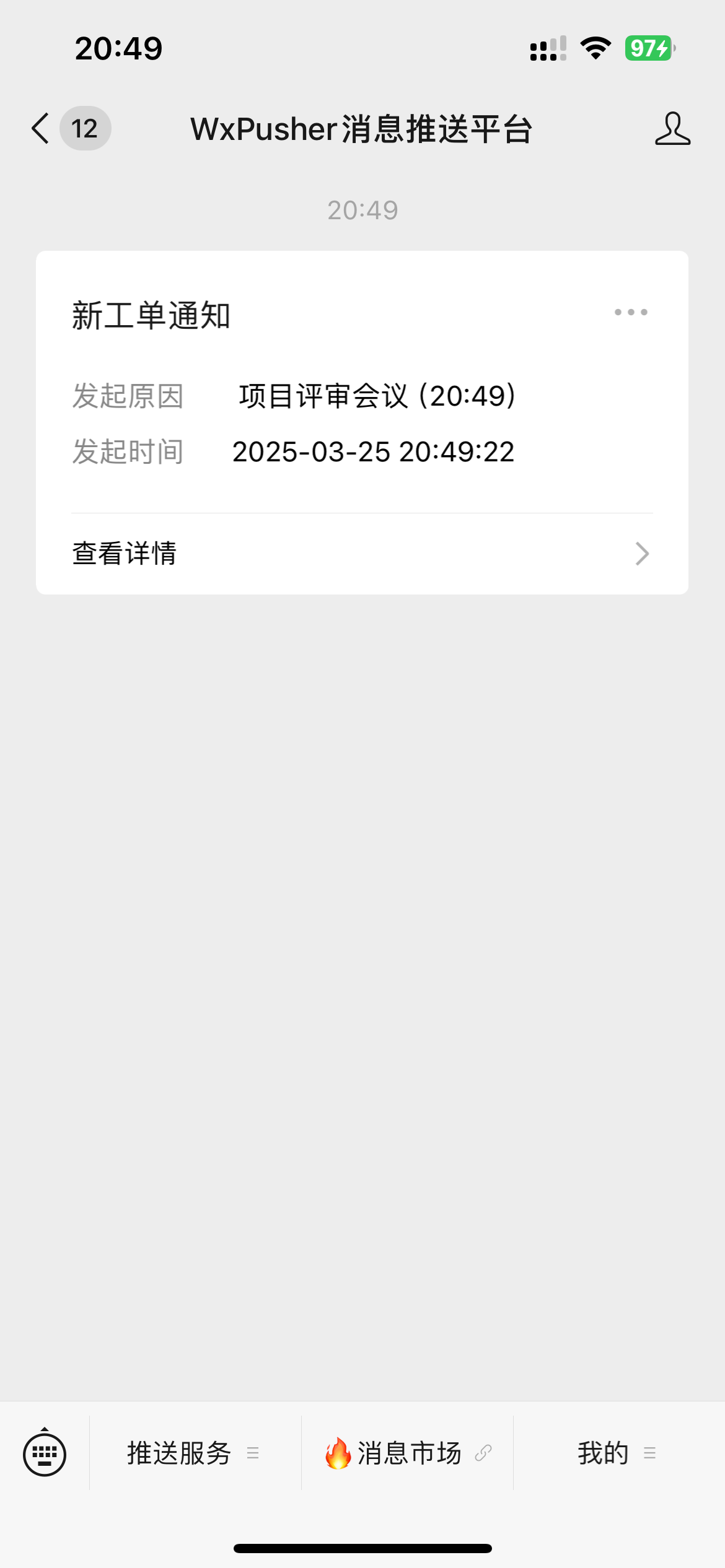
           datetime: '2025-03-25 20:49',
           summary: '📌 项目评审会议(20:49)',
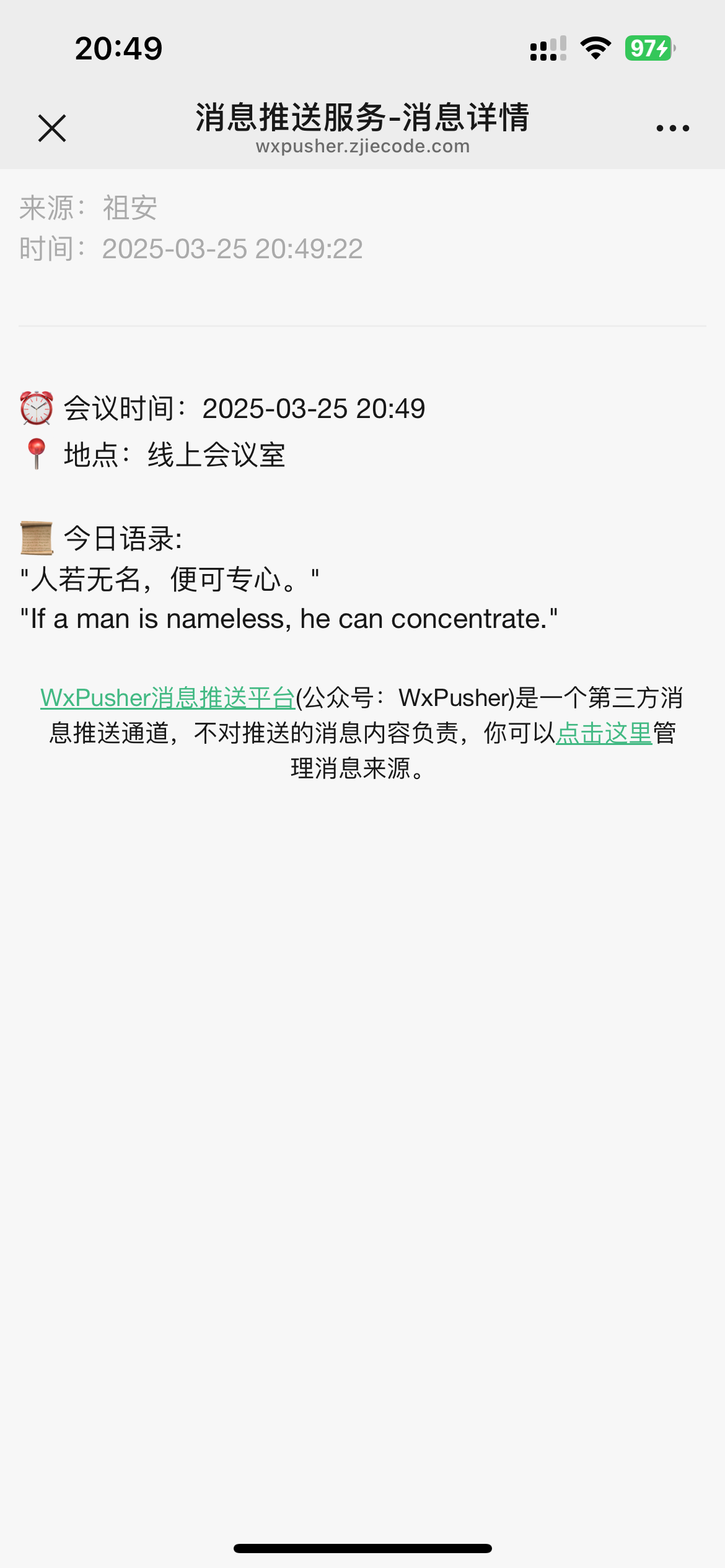
           template: '⏰ 会议时间:{time}\n📍 地点:线上会议室\n\n{quote}'
        }
    ]
};

// ==================== 工具函数 ====================

// 获取北京时间 (UTC+8)
function getBeijingTime() {
    const now = new Date();
    return new Date(now.getTime() + 8 * 60 * 60 * 1000);
}

// 格式化时间为 HH:MM
function formatTime(date) {
    return date.toISOString().substr(11, 5);
}

// 格式化日期时间为 YYYY-MM-DD HH:MM
function formatDateTime(date) {
    return date.toISOString().substr(0, 16).replace('T', ' ');
}

// 获取励志语录
async function getMotivationalQuote() {
    try {
        const url = `https://api.t1qq.com/api/tool/daytry?key=${CONFIG.QUOTE_API_KEY}&time=random`;
        const response = await fetch(url);
        const data = await response.json();

        if (data.code === 200) {
            return `📜 今日语录:\n"${data.data.note}"\n"${data.data.content}"`;
        }
        return "🌟 今日没有获取到语录";
    } catch (error) {
        console.error('获取语录失败:', error);
        return "🌟 语录获取失败";
    }
}

// 格式化消息内容
function formatMessage(template, time, quote) {
    return template
        .replace('{time}', time)
        .replace('{quote}', quote)
        .replace(/\n/g, '\n'); // 保持换行符
}

// ==================== 核心功能 ====================

// 发送微信推送消息(摘要显示主要内容)
async function sendWxPusherMessage(content, summary) {
    try {
        const url = 'https://wxpusher.zjiecode.com/api/send/message';
        const response = await fetch(url, {
            method: 'POST',
            headers: { 'Content-Type': 'application/json' },
            body: JSON.stringify({
                appToken: CONFIG.WXPUSHER_APP_TOKEN,
                content: content,
                contentType: 1,  // 使用纯文本格式
                summary: summary.substring(0, 20),  // 微信限制20字符
                uids: [CONFIG.WXPUSHER_UID],
                verifyPayType: 0
            })
        });
        const result = await response.json();
        if (CONFIG.DEBUG) console.log('推送结果:', result);
        return result;
    } catch (error) {
        console.error('推送失败:', error);
        return { success: false };
    }
}

// 主定时任务
async function handleScheduledEvent() {
    const now = getBeijingTime();
    const currentTime = formatTime(now);
    const currentDateTime = formatDateTime(now);

    if (CONFIG.DEBUG) {
        console.log('当前北京时间:', currentDateTime);
    }

    // 处理每日计划
    for (const schedule of CONFIG.DAILY_SCHEDULES) {
        if (currentTime === schedule.time) {
            const quote = await getMotivationalQuote();
            const message = formatMessage(schedule.template, currentDateTime, quote);
            await sendWxPusherMessage(message, schedule.summary);
            if (CONFIG.DEBUG) console.log(`已发送每日提醒: ${schedule.summary}`);
        }
    }

    // 处理一次性提醒
    for (let i = CONFIG.ONE_TIME_SCHEDULES.length - 1; i >= 0; i--) {
        const schedule = CONFIG.ONE_TIME_SCHEDULES[i];
        if (currentDateTime === schedule.datetime) {
            const quote = await getMotivationalQuote();
            const message = formatMessage(schedule.template, currentDateTime, quote);
            await sendWxPusherMessage(message, schedule.summary);
            CONFIG.ONE_TIME_SCHEDULES.splice(i, 1);
            if (CONFIG.DEBUG) console.log(`已发送一次性提醒: ${schedule.summary}`);
        }
    }
}

// ==================== 触发器设置 ====================

// 定时触发器 (每分钟执行一次检查)
addEventListener('scheduled', event => {
    event.waitUntil(handleScheduledEvent().catch(err => {
        console.error('定时任务执行失败:', err);
    }));
});

// HTTP访问处理
addEventListener('fetch', event => {
    const url = new URL(event.request.url);

    if (url.pathname === '/test') {
        event.respondWith(handleTestRequest());
    } else {
        event.respondWith(new Response('滚', { status: 500 }));
    }
});

// 测试接口
async function handleTestRequest() {
    const now = getBeijingTime();
    const quote = await getMotivationalQuote();
    const testSummary = '🛠️ 服务测试通知';
    const testMessage = formatMessage(
        '✅ 服务运行正常\n⏰ 当前时间: {time}\n\n{quote}',
        formatDateTime(now),
        quote
    );

    const result = await sendWxPusherMessage(testMessage, testSummary);

    return new Response(JSON.stringify({
        success: result.code === 1000,
        time: formatDateTime(now),
        summary: testSummary,
        message: testMessage,
        result: result
    }, null, 2), {
        headers: { 'Content-Type': 'application/json' }
    });
}
效果虽然不是很完美 但也就是简单提醒对我也够用了
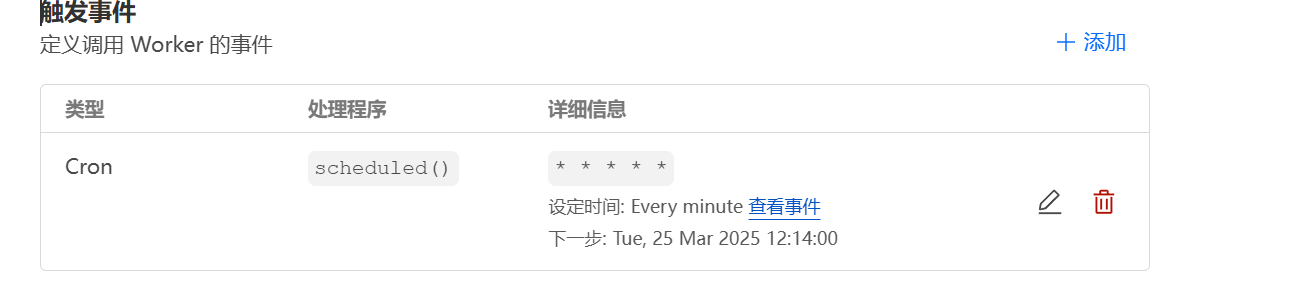
设置一个触发事件
* * * * *
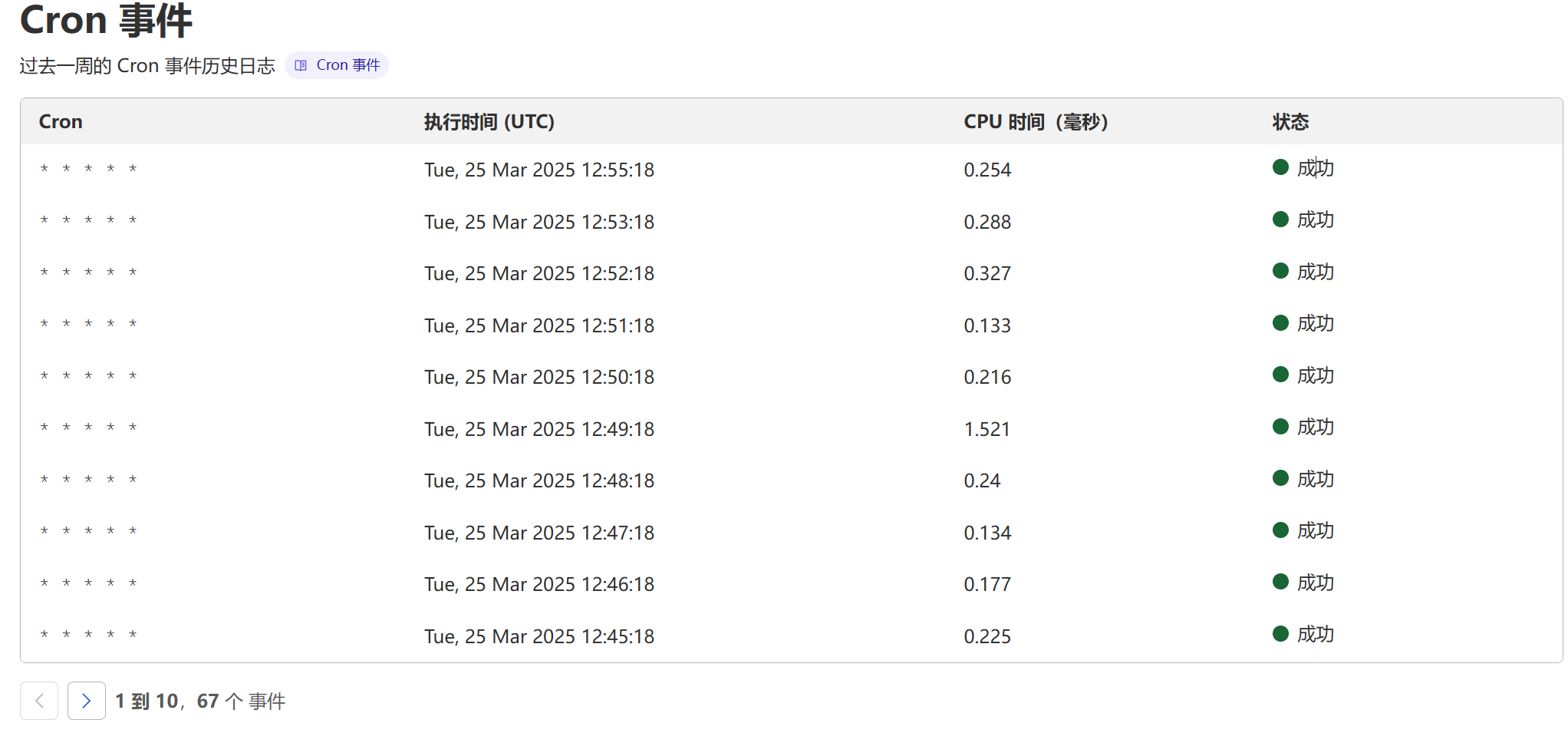
每分钟执行1次监测
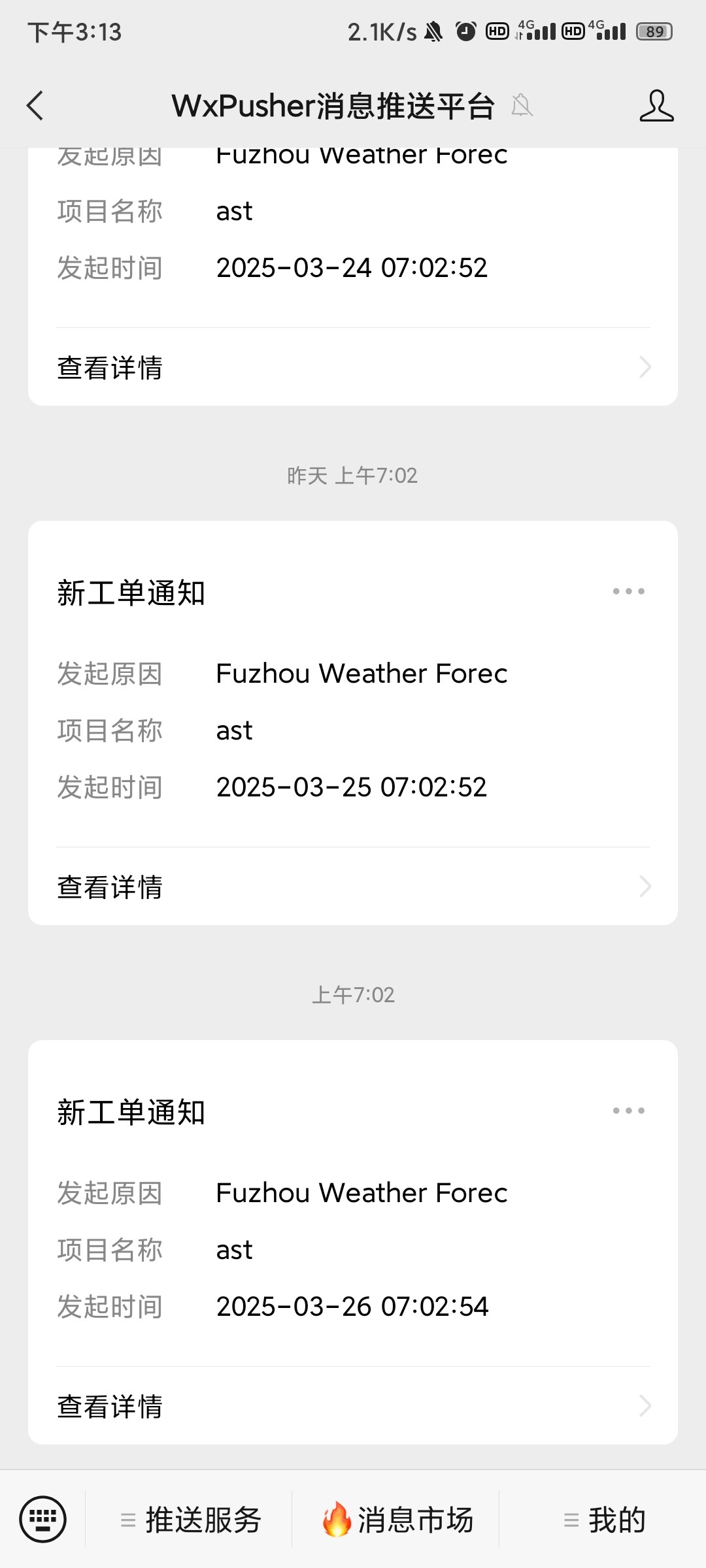
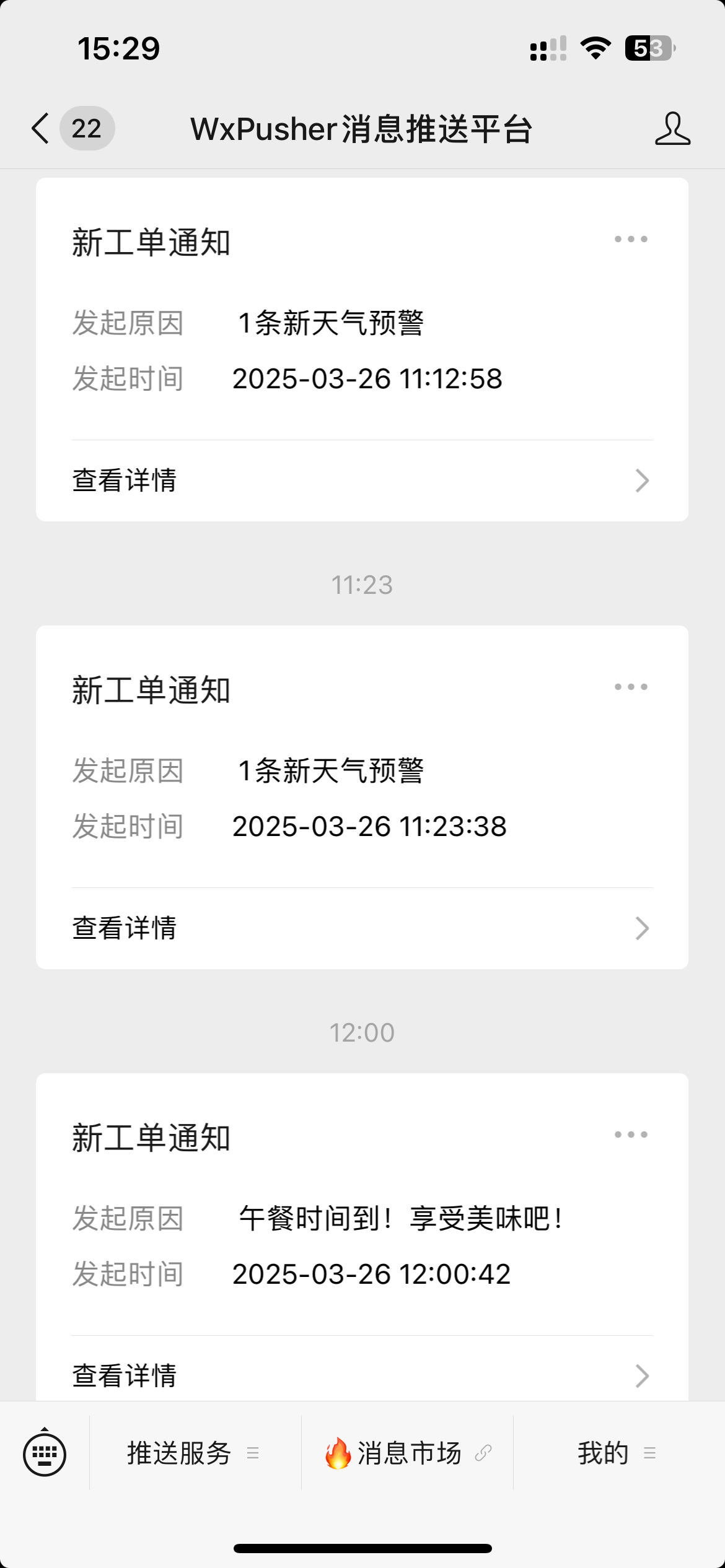
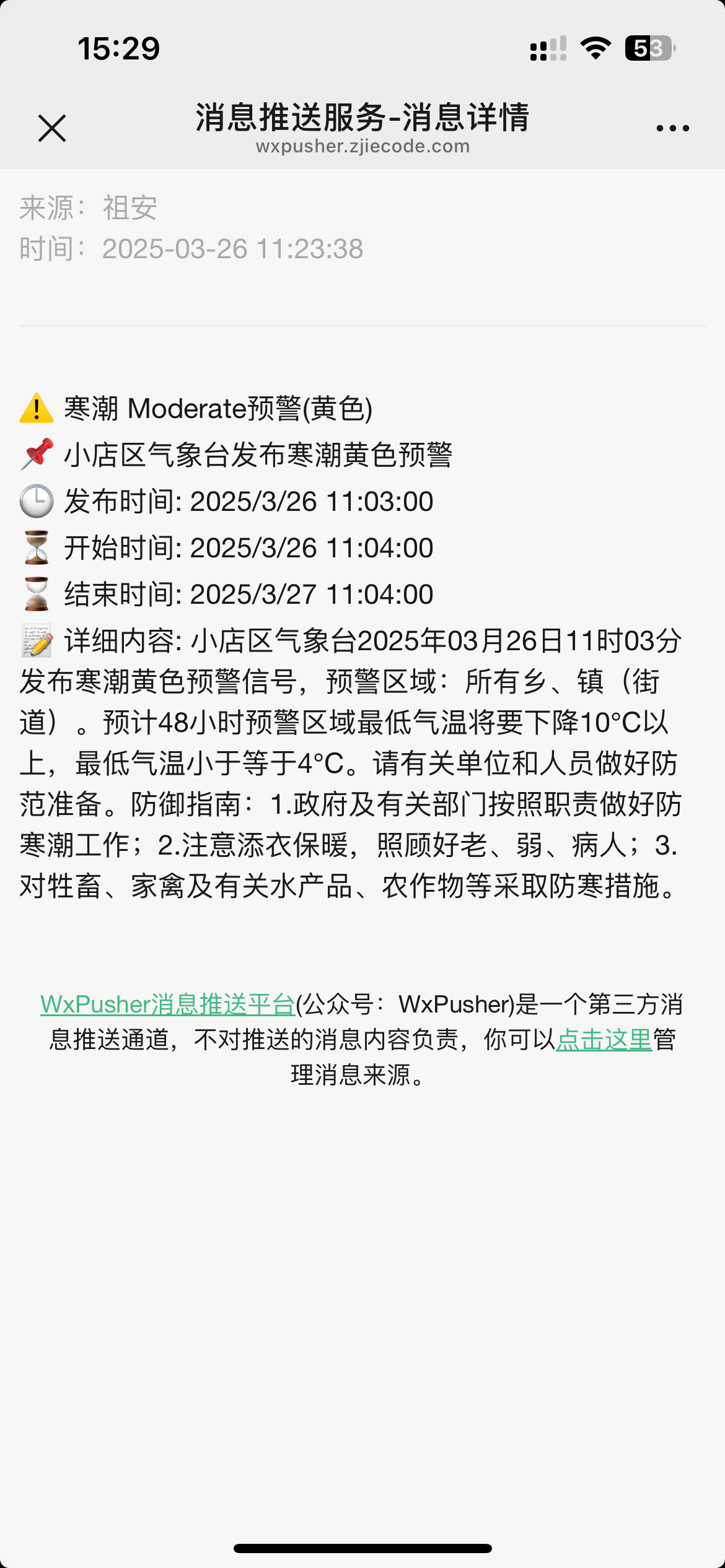
 佬是部署在什么地方的呀?我做了一个每五分钟获取降水的
 但是找不到好的地方部署,想放github action试试但是不知道二十四小时这样跑会不会出事