核心问题,这2个功能有于什么方面?SSH登录和电子邮件
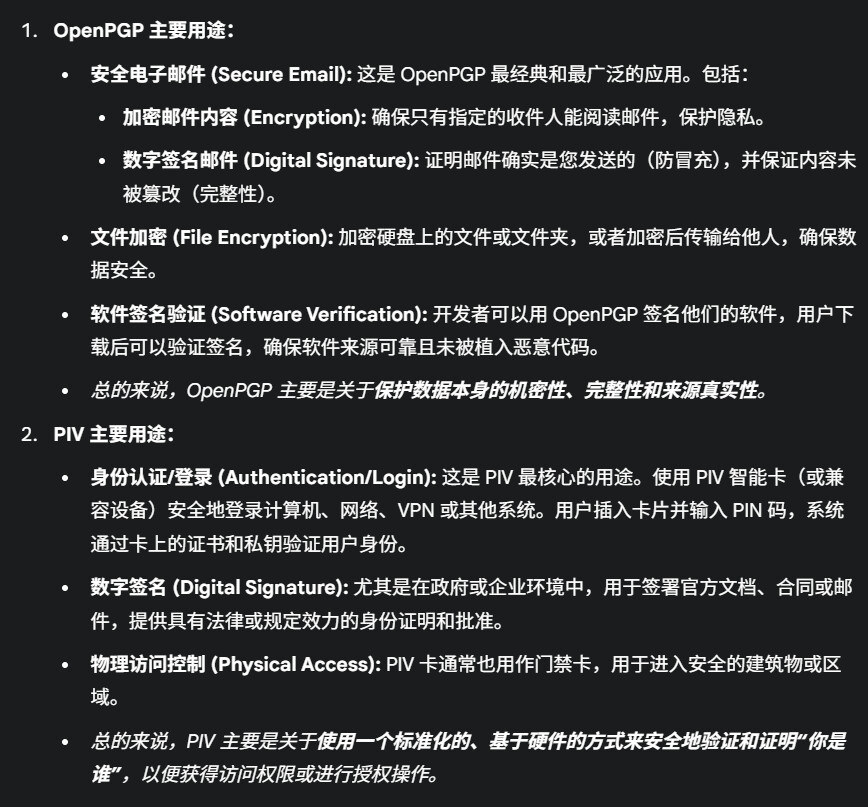
OpenPGP、PIV 概要:信息来源于AI,请注意甄别
第一步 拿到rp2350,按住boot键插入电脑中,出现一个U盘图标
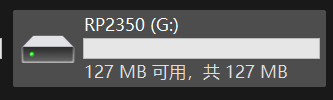
第二步把文件 pico_nuke_waveshare_rp2350_one-1.3.uf2(清数据用)和pico_openpgp_waveshare_rp2350_one-3.6-eddsa1.uf2丢到U盘中
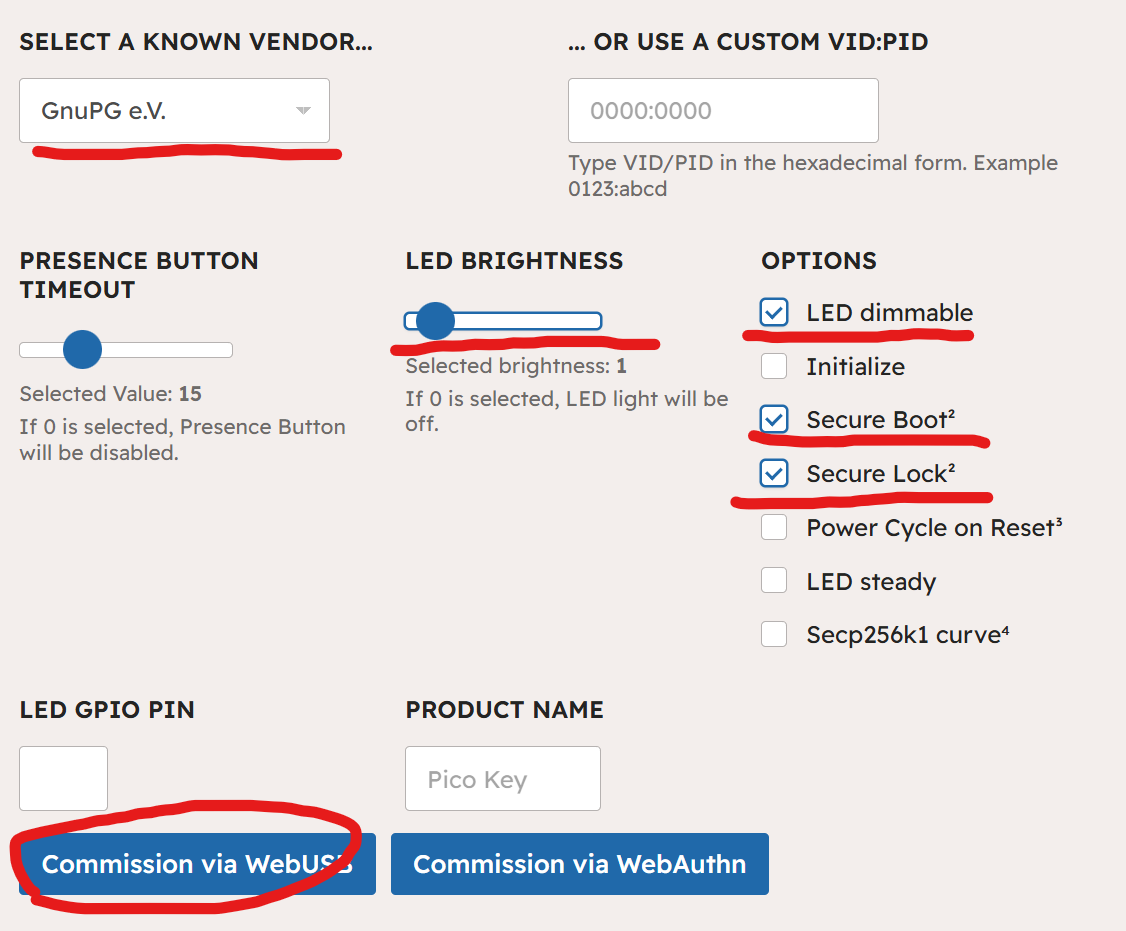
第三步在手机edge或者chrome浏览器,并且启用安全引导和安全锁,灯光变为呼吸灯,亮度调整到1 ,commissioned with WebUSB就能完成
如图选择
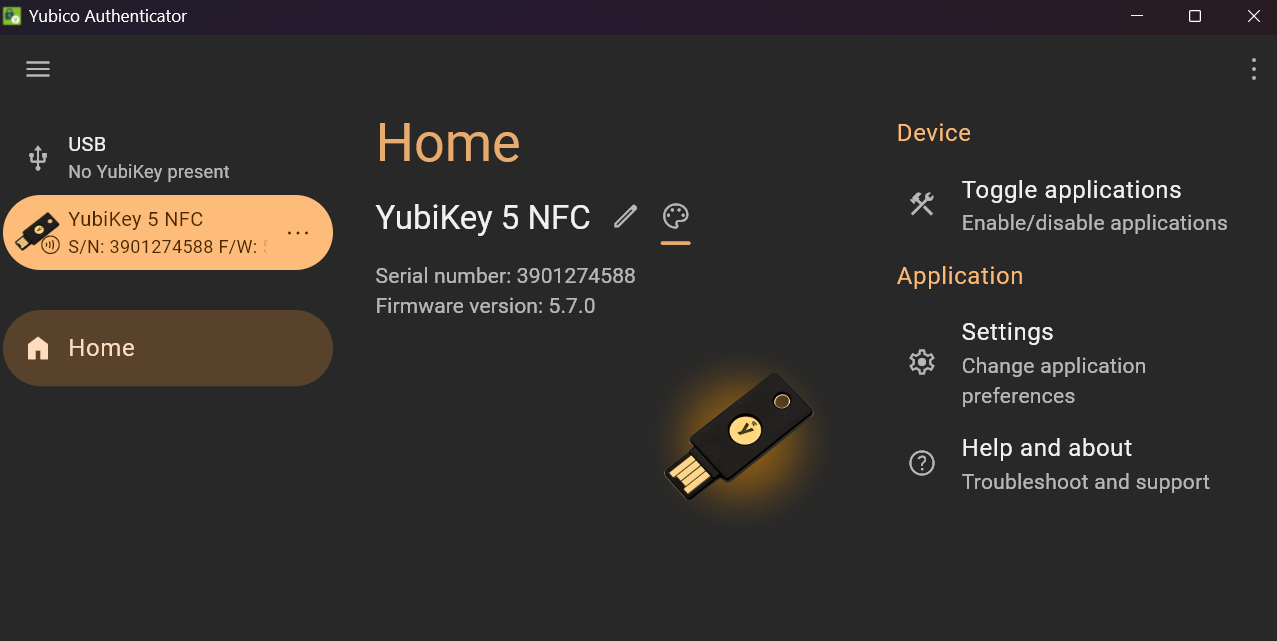
这里我们使用yubico 管理软件和Gpg4win 来管理
由于yubico都是老朋友呢,这里就不教学了。
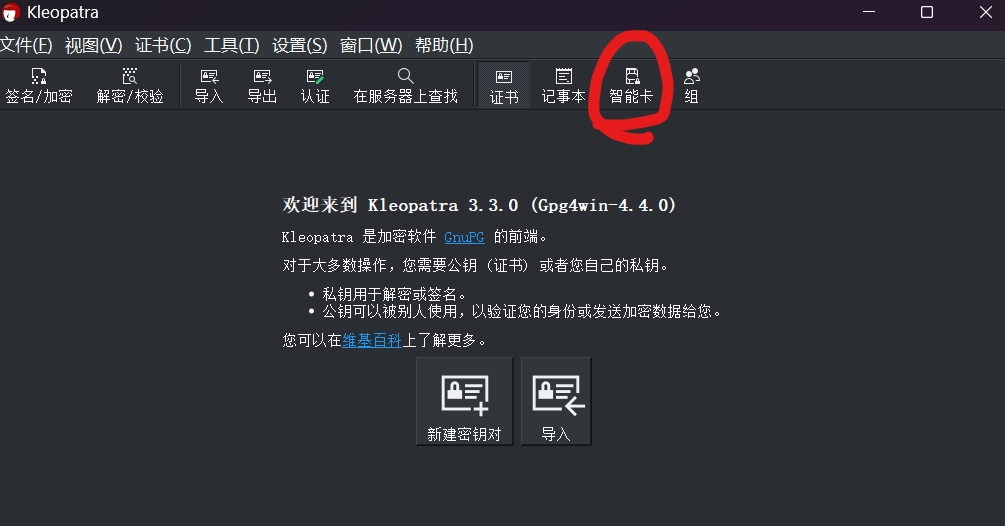
那么Gpg4win来管理智能卡,也是非常不错的。
如果你是MAC和linux请使用其他软件。
默认的管理pin:12345678 & 默认pin:123456
这样就拥有了自己的OpenPGP、PIV
最后ESP32S3 请直接通过 esp32-flasher 直接在线刷,然后跳转第三步
如有错误欢迎指正,本教程禁止转载搬运。
If there are any errors, please point them out. Reproduction or copying of this tutorial is prohibited.

 来,佬友给我捏捏脚
 问别人搞不定,只能自己搞