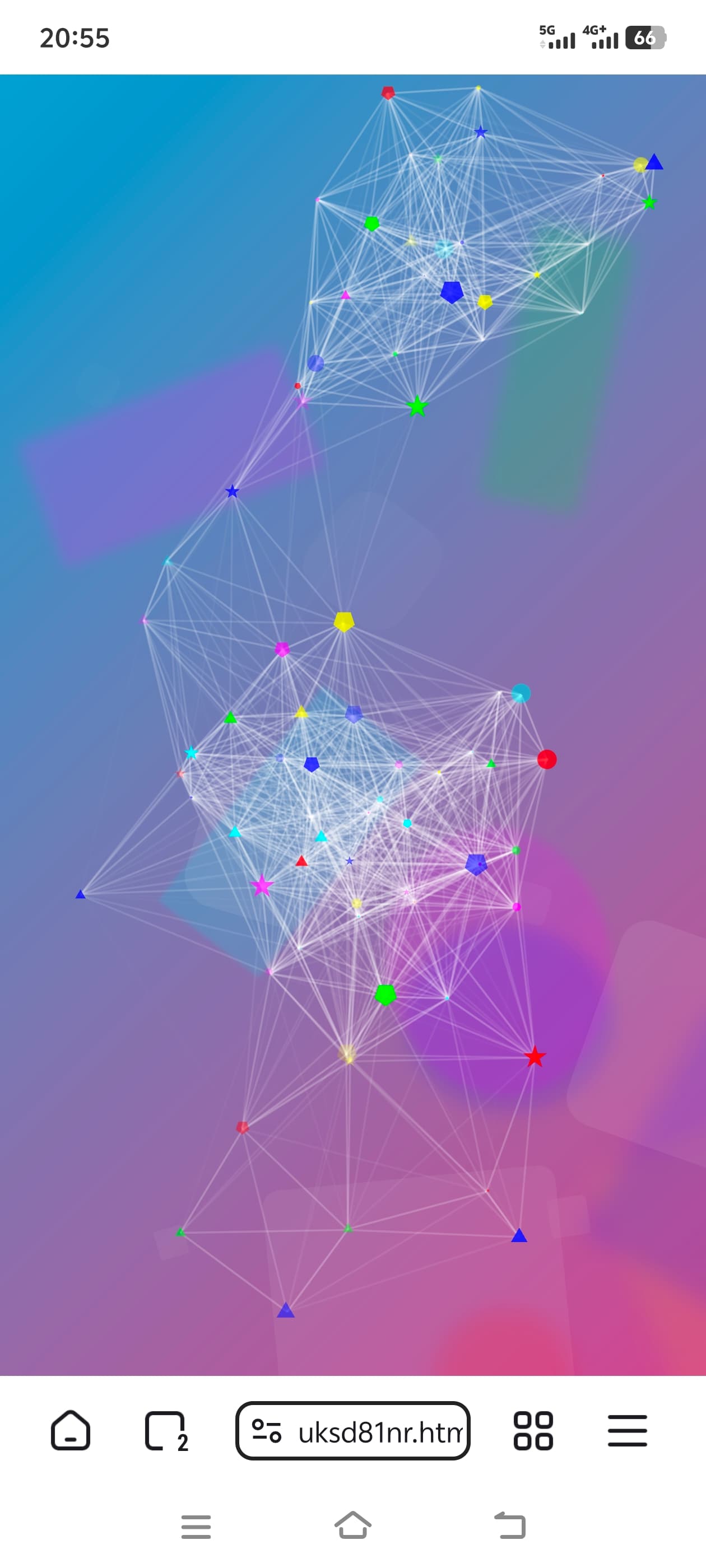
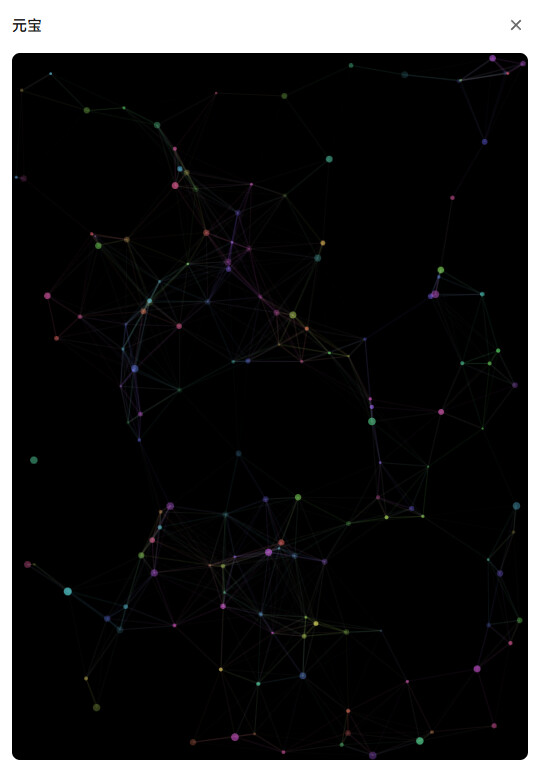
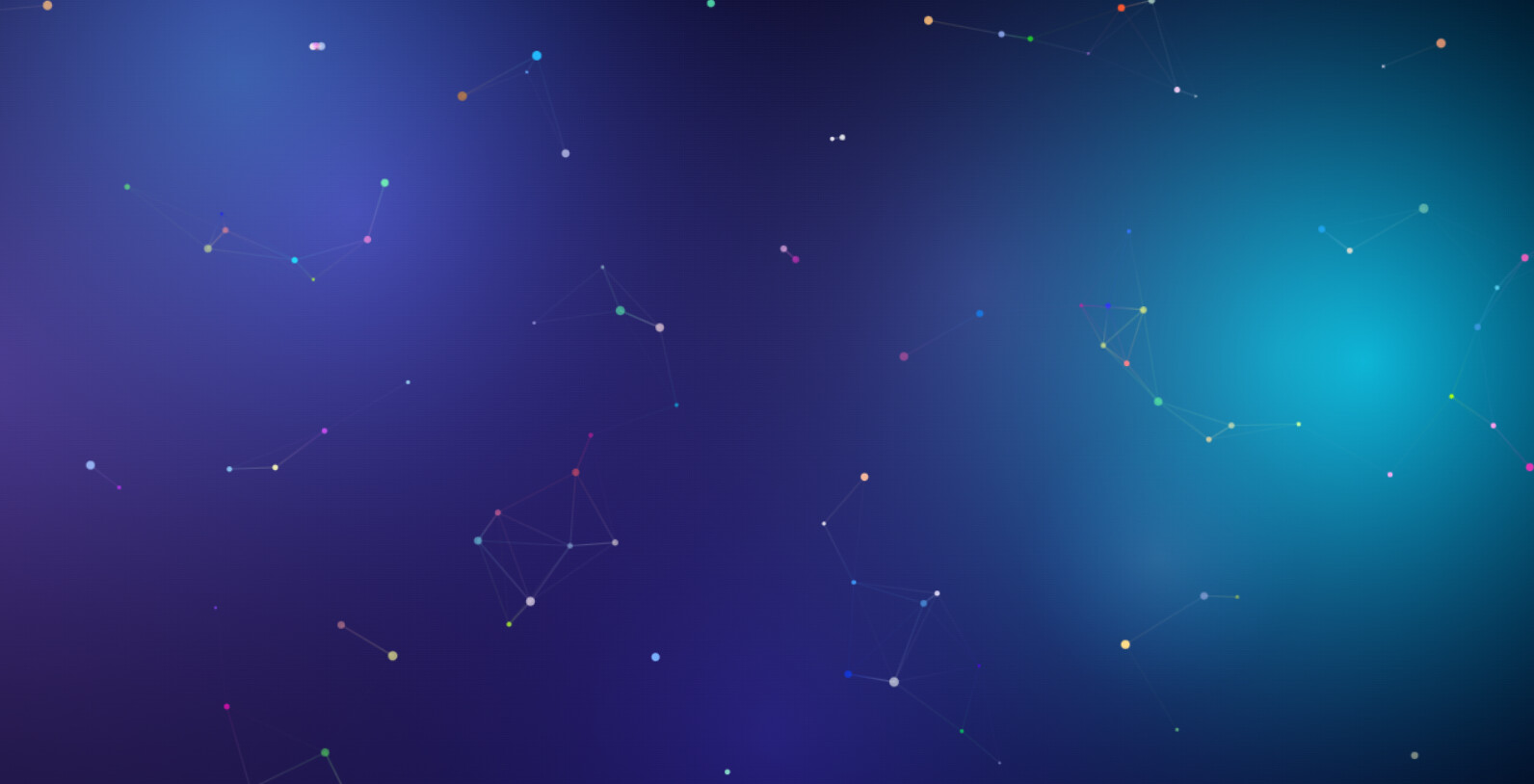
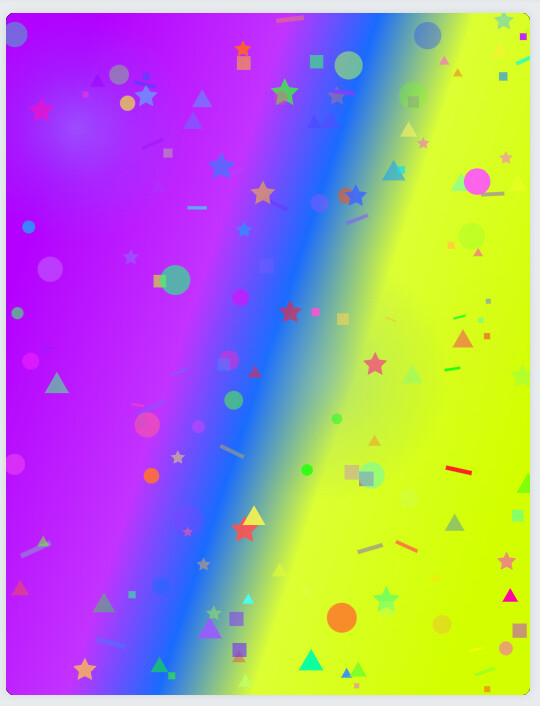
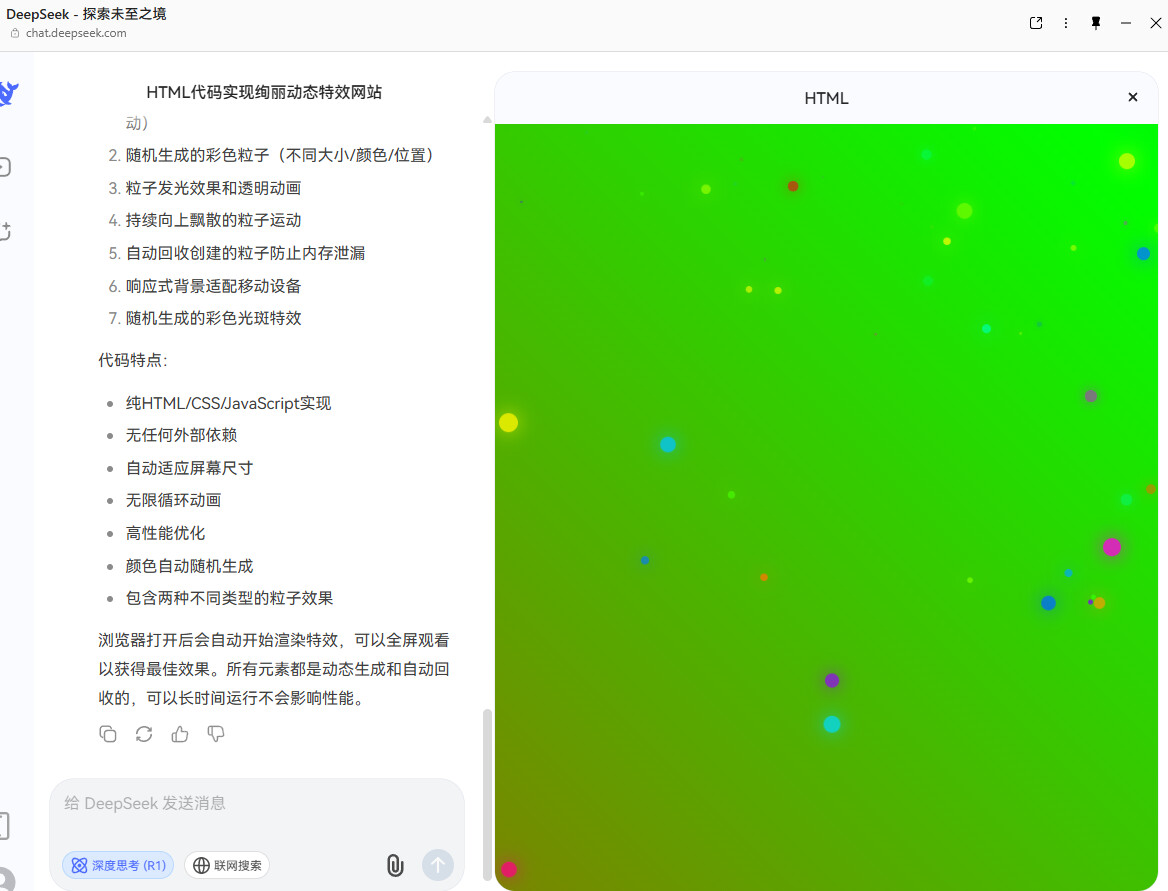
如图所示,设计了多种渐变色动态背景+多种粒子特效,我已经把网站部署好了,你们可以点击链接欣赏此佳作!开发者们可以引用此效果进行网页开发
提示词:
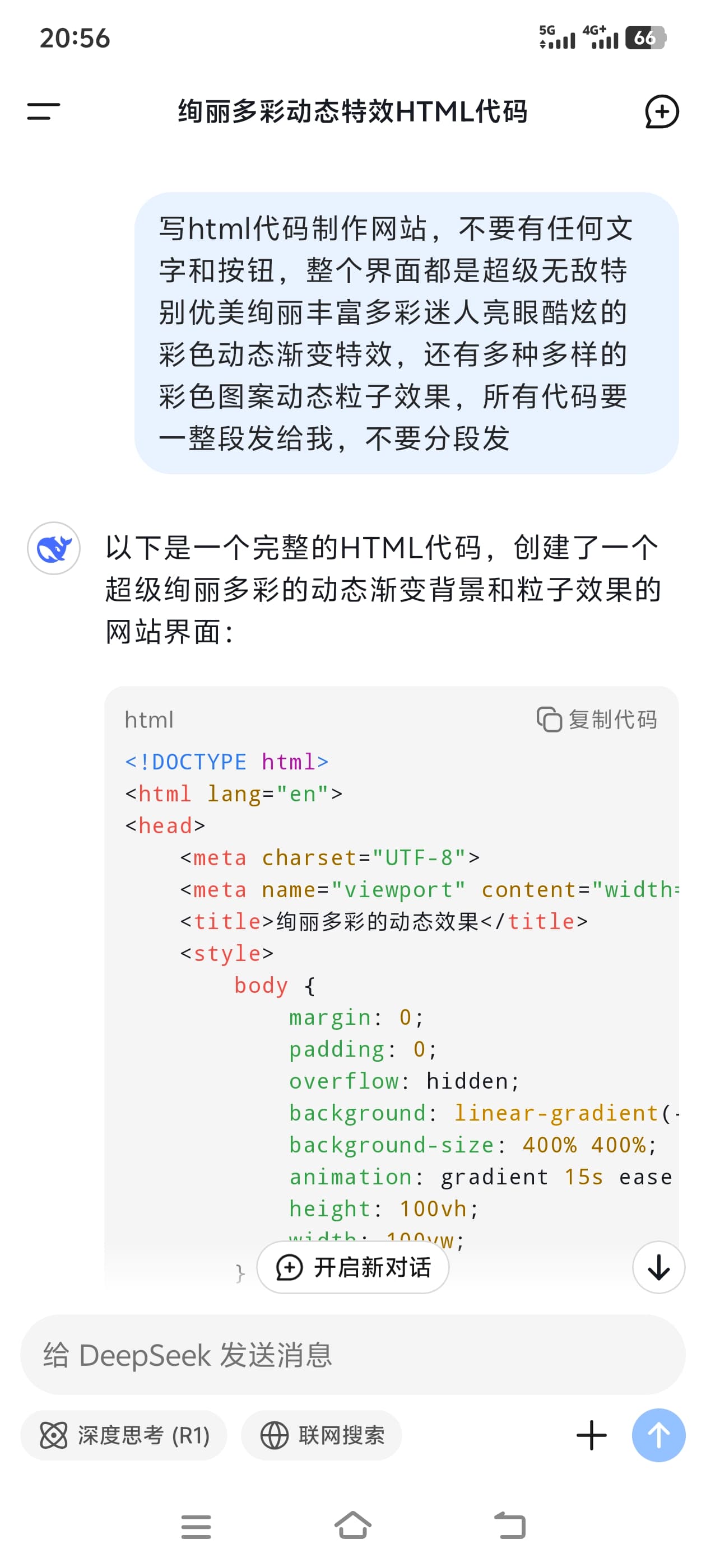
写html代码制作网站,不要有任何文字和按钮,整个界面都是超级无敌特别优美绚丽丰富多彩迷人亮眼酷炫的彩色动态渐变特效,还有多种多样的彩色图案动态粒子效果,所有代码要一整段发给我,不要分段发
如图所示,设计了多种渐变色动态背景+多种粒子特效,我已经把网站部署好了,你们可以点击链接欣赏此佳作!开发者们可以引用此效果进行网页开发
提示词:
写html代码制作网站,不要有任何文字和按钮,整个界面都是超级无敌特别优美绚丽丰富多彩迷人亮眼酷炫的彩色动态渐变特效,还有多种多样的彩色图案动态粒子效果,所有代码要一整段发给我,不要分段发
颜色变化的梯度需要调一下,点进去换色的一瞬间感觉眼睛突然好累 
还是不错的
哇,这个限制,超级无敌特别优美绚丽…
deepseek这效果不错
还不错啊
刚开始加载比较慢,需要再等一下
我感觉这样挺好,制造一场视觉盛宴
还挺好看的 
不错,可以用博客首页背景了
要是能添加鼠标移动/点击动作对应的效果互动就好了
我也用谷歌那个 ai 写了一个,有鼠标交互。
网页
感觉不错呀
不错,真不错。
前端知识匮乏的我或许有的救
这个蛛丝效果是直接调用的某个JS库吧。
<!DOCTYPE html><html><head><style>body{margin:0;overflow:hidden;height:100vh;background:linear-gradient(45deg,#ff00ff,#00ffff,#ff0000,#ffff00,#00ff00);background-size:400%400%;animation:gradientBG 15s ease infinite;}@keyframes gradientBG{0%{background-position:0%50%;}50%{background-position:100%50%;}100%{background-position:0%50%;}}canvas{position:fixed;top:0;left:0;z-index:1;}.particle{position:absolute;pointer-events:none;}</style></head><body><canvas id="canvas"></canvas><script>const canvas=document.getElementById('canvas');const ctx=canvas.getContext('2d');let width=canvas.width=window.innerWidth;let height=canvas.height=window.innerHeight;const particles=[];class Particle{constructor(x,y){this.x=x;this.y=y;this.size=Math.random()*15+5;this.speedX=Math.random()*10-5;this.speedY=Math.random()*10-5;this.color=`hsl(${Math.random()*360},100%,50%)`;}update(){this.x+=this.speedX;this.y+=this.speedY;this.size-=0.3;if(this.size<0)this.size=0;}draw(){ctx.fillStyle=this.color;ctx.beginPath();ctx.arc(this.x,this.y,this.size,0,Math.PI*2);ctx.fill();}}function createParticles(x,y){for(let i=0;i<20;i++){particles.push(new Particle(x,y));}}function animate(){ctx.fillStyle='rgba(0,0,0,0.05)';ctx.fillRect(0,0,width,height);for(let i=0;i<particles.length;i++){particles[i].update();particles[i].draw();if(particles[i].size<=0){particles.splice(i,1);i--;}}requestAnimationFrame(animate);}window.addEventListener('resize',()=>{width=canvas.width=window.innerWidth;height=canvas.height=window.innerHeight;});window.addEventListener('click',(e)=>{createParticles(e.clientX,e.clientY);for(let i=0;i<50;i++){setTimeout(()=>createParticles(e.clientX+Math.random()*100-50,e.clientY+Math.random()*100-50),i*20);}});animate();let angle=0;setInterval(()=>{document.body.style.background=`linear-gradient(${angle}deg,#ff00ff,#00ffff,#ff0000,#ffff00,#00ff00)`;angle=(angle+1)%360;},50);</script></body></html>