从Intel 显示驱动 后记继续讨论:
我第一次知道原来外接的显示器亮度也能调整,心血来潮写了个脚本。
放心,包不是ai生成的,ai写不出这么烂的代码。 
脚本绑个键即可像笔记本一样用快捷键调亮度了,ddcutil运行比较慢所以要考虑自行增加步长。
一定要自行编辑开头的min/max变量
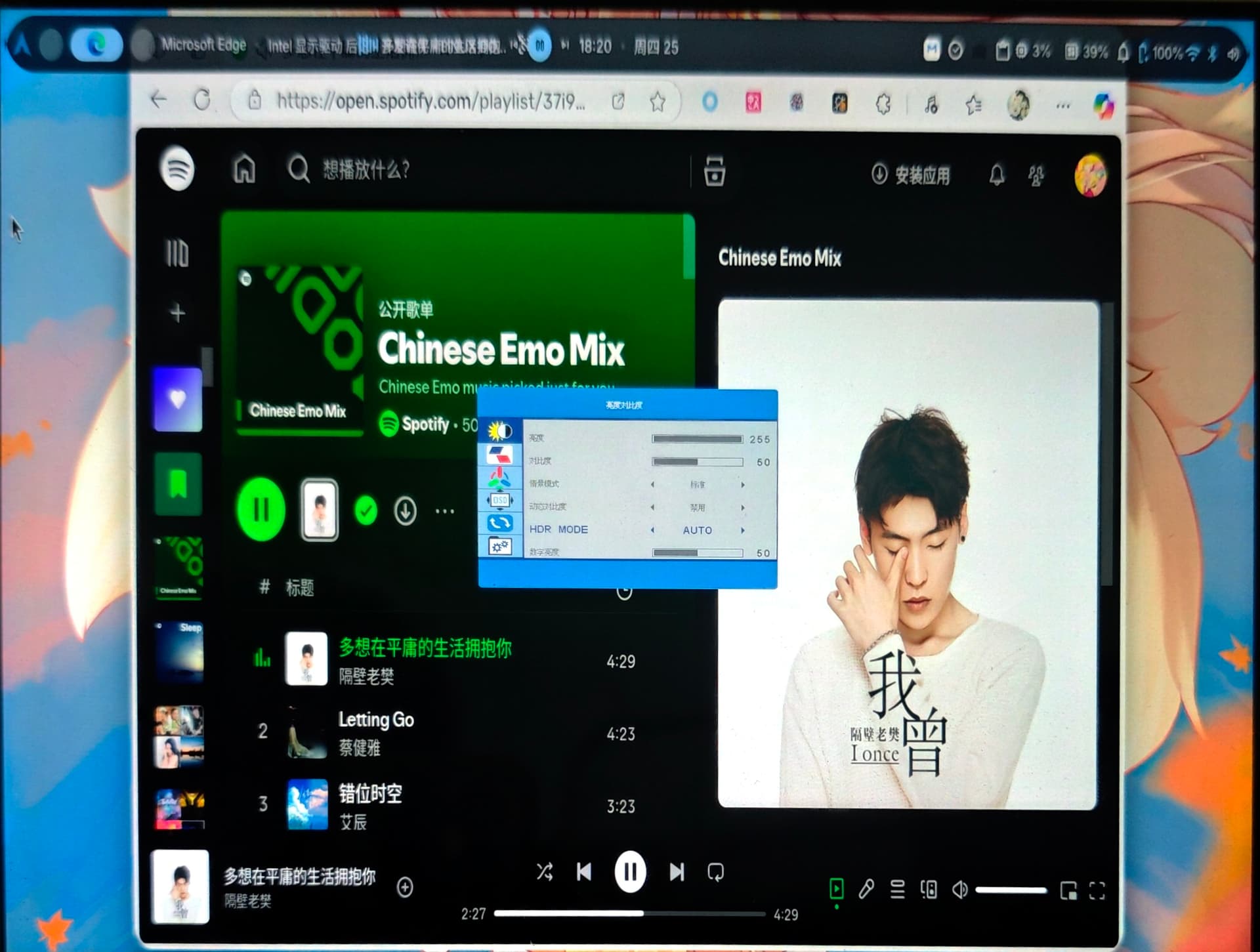
限制的最大值最小值自行探索,搞坏显示器我不负责啊,不然就像我这个笨比一样。 
#!/bin/bash

min=0
max=43
cfg=$HOME/.config/brightness

if ! type ddcutil notify-send 2>&1 > /dev/null
then
	echo 缺少 ddcutil 或者是 notify-send 命令。
fi

if ! [ -e $cfg ]
then
	echo 0 > $cfg
fi
case $1 in
	+)
		if [ -z $2 ]
		then
			let b=$(cat $cfg)+1
		else
			let b=$(cat $cfg)+$2
		fi
		if ! [ $b -le $max ]
		then
			b=$max
		fi
		if ! [ $min -le $b ]
		then
			b=$min
		fi
		ddcutil setvcp 10 $b
		notify-send "亮度: $b"
		echo $b
		echo $b > $cfg

		;;
	-)
		if [ -z $2 ]
		then
			let b=$(cat $cfg)-1
		else
			let b=$(cat $cfg)-$2
		fi
		if ! [ $b -le $max ]
		then
			b=$max
		fi
		if ! [ $min -le $b ]
		then
			b=$min
		fi
		ddcutil setvcp 10 $b
		notify-send "亮度: $b"
		echo $b
		echo $b > $cfg
		;;
	*)
		echo "使用方法:"
		echo "$0 + [ 增加的亮度值 ]"
		echo "$0 - [ 减去的亮度值 ]"
		echo "若不填写值,则按1的步长进行加减。"
		;;
esac


 插个棍
插个棍
 ,你看丛雨酱水个贴不容易。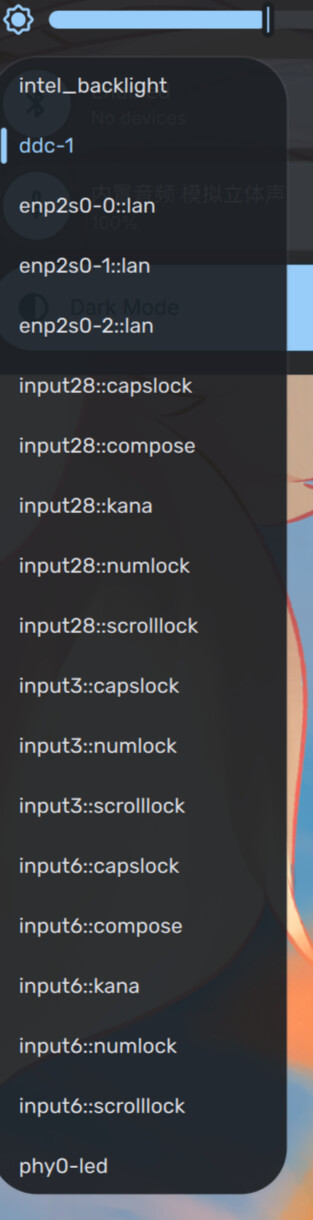
 落泪
落泪